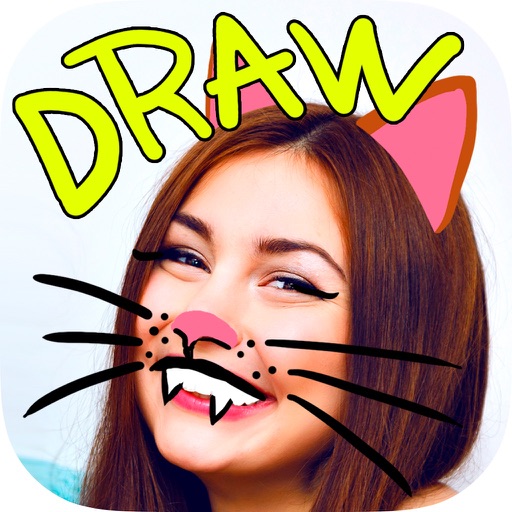
Create images, drawings, and paintings with customizable brush settings including thickness, color, transparency, and dynamic intensity. Sketch and modify simple graphics for logos, clothing, hairstyles, and more.
by 伟典 苏★ 4.5906 ratingsLifestyleFreeData updated 2026-09-10
The app allows users to scan signatures from paper using the device camera or create them manually with finger gestures or keypad input. Signatures can be customized with various fonts, colors, and styles, and then shared via email and social media.
Create and arrange melodies, bass lines, and drum beats by moving dots on the screen. Switch chords and patterns instantly. Apply delay and reverb effects to instruments. Tap or drag to build sequences. Sync with AirPlay for playback.
Create designs using drag-and-drop tools and pre-made templates. Add text, images, and objects to customize designs. Mirror artwork for symmetrical tattoos. Export designs in high-resolution formats.
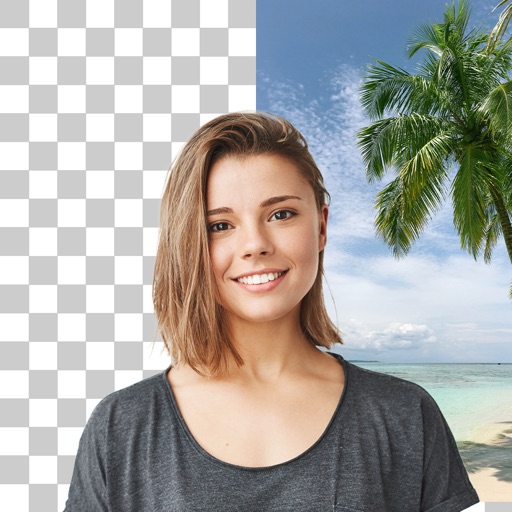
Edit photos with cropping, filters, and adjustments. Remove unwanted objects or people using the Magic tool. Replace backgrounds to create montages. Create collages with pre-designed templates. Export edited photos in multiple formats.
Help users start their day with morning routines including brushing teeth, using the toilet, taking a bath, dressing up, and having breakfast. Include learning activities such as letter and number tracing, and learning about animals and fruits.