

Apps Like blur image background editor for iPhone and iPad
blur image background editor screenshots
Ranked alternatives
Showing 241–260 of 1,000 ranked alternatives.

NoCrop Photo - Picture Resizer
Softoria LLC
Resize images in any format and aspect
Resize images to fit various formats like Instagram posts, stories, Facebook covers, or custom ratios. Adjust aspect ratios manually or select preset options. Apply Fit or Fill modes to scale images without cropping or stretching.

Glitter Effect Studio
Thomas Backes
Paint on photos
Edit photos by applying filters and adding effects. Choose from 11 types and adjust brush sizes for detailed application. Zoom and pan using two fingers, or draw with a single finger. Save and share edited photos directly.

SquareDude - Square Fit Photo
MD Studio
Resize photos to and share
Allows users to resize photos to dimensions. It offers basic editing tools such as cropping, adjusting brightness, and adding text. Users can generate images for social media sharing and export edited photos directly.


No Crop Photo Editor
晶 王
Post photos and videos in square format
Post photos and videos without cropping for Instagram. Add blur backgrounds automatically. Resize, rotate, and zoom content within the square. Apply effects, filters, stickers, and text. Select no layouts. Support 1080P video. Save in high quality.


Anonymizer
Digitalt Hjarta AB
Blur faces, resize images, share safely
Blur faces automatically using facial recognition. Add blur, solid color, or emoji to hide faces. Resize and reshape blur regions. Adjust color and effects. Share edited images to photo library and other apps.

iSymmetry - Pattern Painting
DAVID CROOKS SOFTWARE DEVELOPMENT LIMITED
Create patterns with brush strokes
Create seamless patterns using 17 symmetry types and 23 templates. Draw with 18 brushes including pencil, liner, and airbrush. Use symmetry guide lines to align designs. Export patterns in multiple formats.
Creative Lighting Photo Editor
Quantis, Inc.
Apply light effects to photos
Create original images using light effects. Apply light leak filters to add unique textures. Adjust brightness and contrast for enhanced visuals. Share edited photos directly to social media.
Enhance it - AI Photo Editor
Zipo Apps Ltd.
Edit photos, quality, restore images
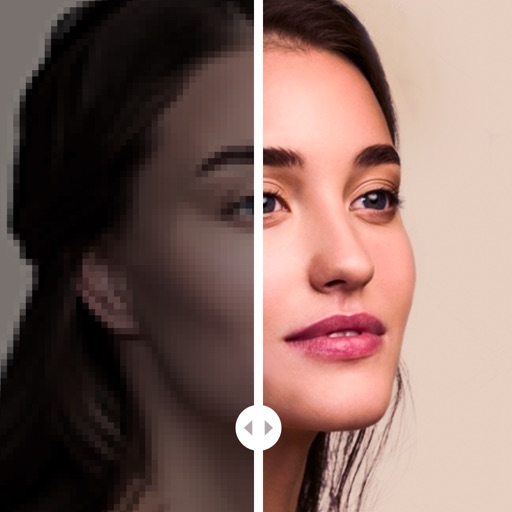
Edit photos with AI-powered defect correction, automatic restoration, and quality enhancement. Adjust brightness, contrast, and color. Apply filters and effects. Crop and resize images. Share edited photos directly.

Blur Me: Image Blurring
福恩 毛
Create polished selective blur effects.
The app offers selective blur effects including motion, disc, and zoom. Users can compare original and edited images with a live split preview and save custom effect settings.



Background Eraser . BG Editor
立乾 董
Cut out subjects and save photos
Intelligent : Outline the subject to automatically remove it from the photo. Save images to system album or application album. Edit saved images directly within the .


How we rank alternatives
Apps are ranked by functional similarity, category fit, rating confidence, and popularity.