Create intricate designs, patterns, and mandalas using intuitive drawing tools. Use a single stroke to generate complex artwork. Access a variety of brushes and color options. Save and share creations directly.
Play ABC to learn letters and phonics through interactive activities. Tap letters to hear sounds, match letters with pictures, and complete puzzles. Track progress with simple quizzes and rewards. Share achievements with parents.
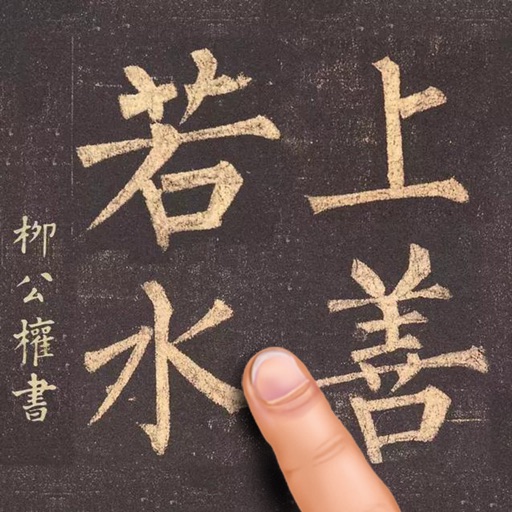
Learn Chinese characters with animated stroke order demonstrations. Browse or search characters by category. Practice writing with visual guidance and access over 9000 characters.
Edit text with formatting options like bold, italic, and lists. Attach unlimited files including images, videos, and tables. Use dark mode and iCloud sync. Organize content with gestures and drag reorder. Export to HTML, Markdown, PDF, and JPG.
The app offers a comprehensive Chinese learning experience with a dictionary, OCR, and flashcards. It prioritizes common words and provides example sentences, measure words, and audio recordings for context.
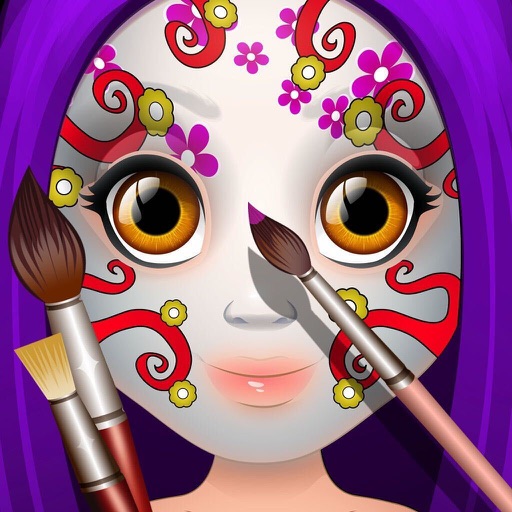
Create paintings by selecting colors or designs, then applying them to a character's with a finger. Choose from sparkly, gold, and silver paints. Customize characters and save or share creations.
Learn simplified and traditional characters with features including pronunciation guides, pinyin, and zhuyin. Practice writing, reading, and speaking. Explore meanings, strokes, radicals, and vocabulary. Access homophones, synonyms, and antonyms.
The app offers a digital canvas for idea sharing and distance learning. Users can annotate and sketch on a whiteboard or over live video, import images, and manage saved whiteboards.
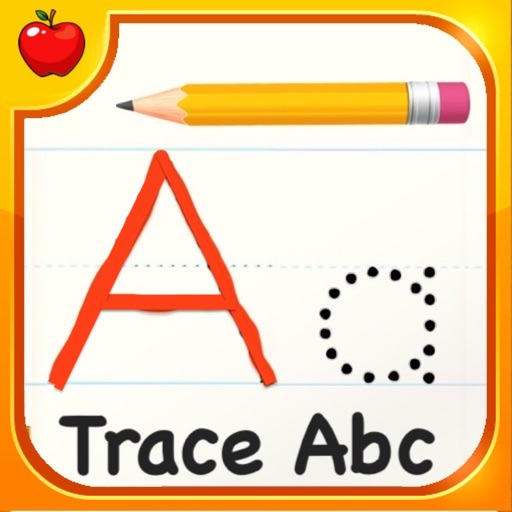
Learn the alphabet through exercises and dot-to-dot games. Practice letter formation with sound-based pronunciation. Access free drawing pages and number activities. Build skills with interactive alphabet games.
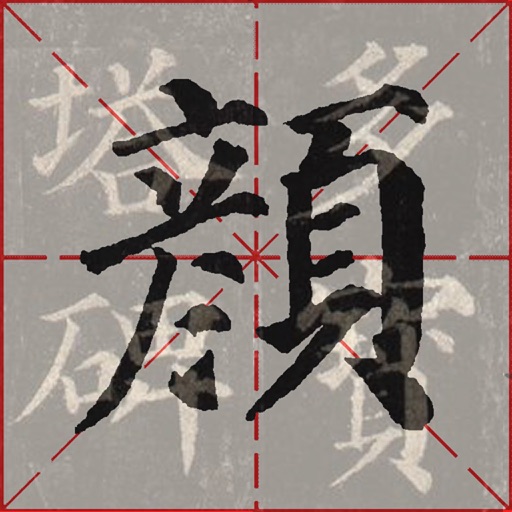
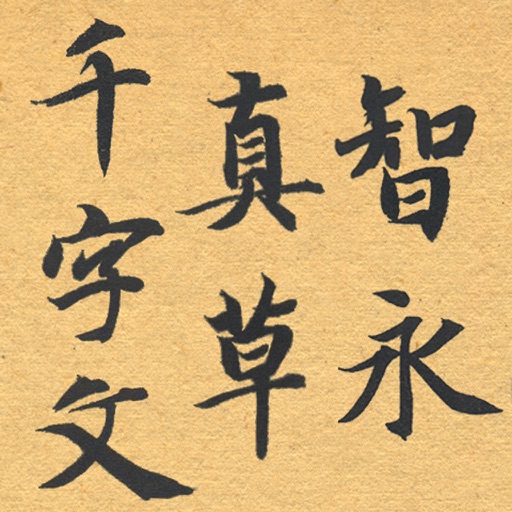
The app simulates ancient Chinese calligraphy practice on an iPad. It features a 400-character demo from the Duo Bao Ta Bei, with stroke width controlled by finger movement speed and acceleration.
Let children color pictures and learn color names and shapes. Features include selecting colors, filling in areas, and identifying parts of images. Includes drawing tools and interactive color selection.