Chinese writing by practicing characters through imitation. on digital pages with customizable spacing. Access additional learning materials for characters and stroke order. Track progress and review written characters.
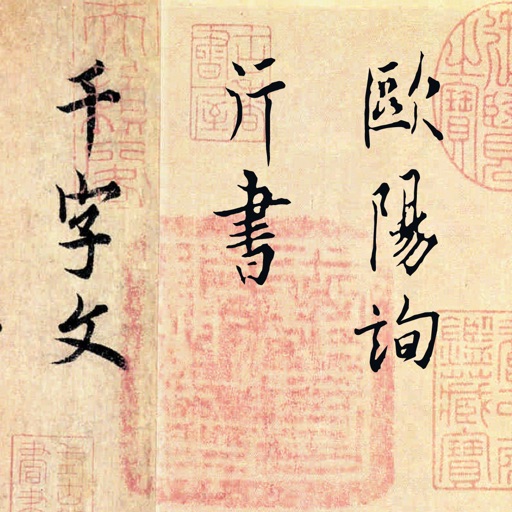
The app presents an ink copy of the Thousand Character Essay by Ouyang Xun. It allows single-tap practice of characters and phrases, with annotations and demonstrations.
Create intricate tessellations and mandalas using 20 symmetry options. Draw with customizable colors and patterns. Adjust symmetry settings to design complex shapes. Save and export artwork in various formats. Share creations directly from the .
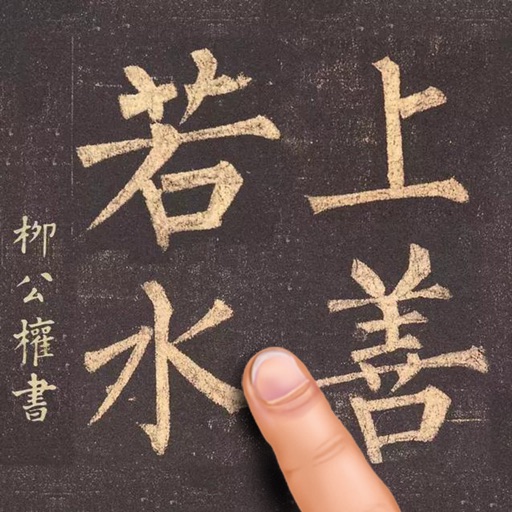
Practice Chinese calligraphy by tracing strokes from masterpieces. Learn character structure and brush techniques. Access cultural context and historical insights. Save and review practice sessions. Export strokes for further refinement.
Write and organize ideas with interactive checkboxes for task tracking. Create and reorder to-do lists with drag-and-drop functionality. Check off completed tasks and manage shopping lists, daily chores, and project tasks.
Draw and paint images using customizable color pencils, pastels, and brushes. Choose colors freely and adjust settings for precise control. Save artwork to camera roll and share via Facebook or Twitter.
The app offers drawing tools, color options, and frame management for creating animations. Users can export animations to video or animated GIF formats and share them.
Create with real-time stroke replication, including pen angle, thickness, and color. Access guided pages with font-specific instructions. Practice letterforms on virtual paper and export drawings.
Read and listen to books in multiple formats including EPUB, FB2, MOBI, PDF, DJVU, DOCX, RTF, TXT, HTML, CBR, and CBZ. Support DRM-protected PDF and EPUB files. Access audiobooks. Adjust text size and layout. Export pages as images.
AR : Project sketches onto real-world surfaces for accurate proportions. Use stand mode for stable, low-latency . Convert paper sketches into digital art with precise tracing and editing tools. Save and export artwork in multiple formats.
Create artwork with realistic pastel simulation using live-calculated brushes and strokes. Sketch or paint digitally, test compositions, and refine techniques without physical supplies. Save and share paintings directly.
Learn creative skills through video from expert instructors. Access in multiple languages. Download videos for offline viewing. Track progress and manage course enrollments. Share projects and connect with other learners.
Learn characters, practice strokes, track progress
Learn to write characters for like "water," "life," and "good." Practice stroke order and formation. Receive feedback on accuracy. Track progress through step-by-step lessons and repetition exercises.
Create custom font templates with hundreds of styles including Copperplate, Italic, and Gothic. Export and print practice sheets as needed. Use Apple Pencil for precise stroke control on iPad.