Edit photos to create professional product images using ordinary cameras. Adjust lighting, shadows, and colors. Add text and overlays. Export in high resolutions. Subscribe for unlimited photo edits and higher resolution limits.
Create custom albums with personal images or choose from curated categories like Quotes, Nature, and City. Add photos to build memory albums. Display on home screen using three widget sizes.
Restore faded photos and enhance image quality using AI. Transform static images into animated portraits. Add motion to create dancing or joyful scenes. Edit and share enhanced photos directly.
Photos and videos by swiping left or right. Organize media files to free up storage space. Quickly manage camera roll content without needing additional steps.
Create and manage albums. Import and export from the photo . Preserve and view Exif data including date, ISO, and GPS. Search by caption or description. Create slideshows and play videos. Edit with cropping, orientation adjustments, and filters.
The app works with photos from the built-in camera or photo library. It allows users to choose a face among many on the same photo and features instant transformation with no internet connection needed.
Capture photos with realistic film grain, cinematic halation, and a rich color palette. No live filters or editing tools. Share directly from the without additional steps.
Securely store and manage private photos and videos with password protection. Create and organize albums. Import and export photos. Enable guest mode for shared access. Disguise icon and replace with calculator. Protect secret diary entries.
Store and manage photos, videos, notes, contacts, passwords, and browser history in an encrypted vault. Access files via a interface with a PIN for security. View and edit media, add notes, and organize content within the secure environment.
Edit photos to full size on Instagram . Stretch edge pixels to fill gaps. Choose from blur, mosaic, color, and pattern backgrounds. Take photos directly or import from gallery.
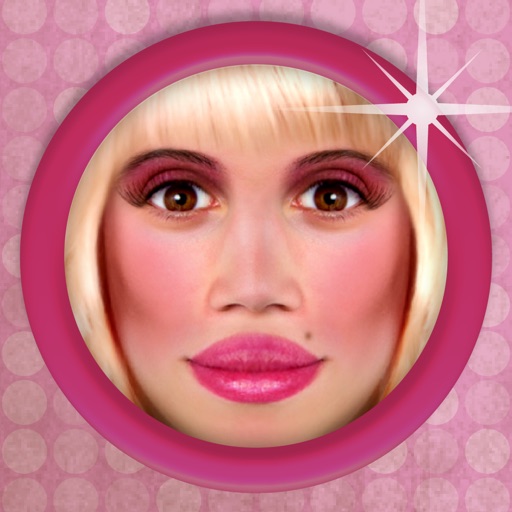
The app allows users to transform photos to see how they would look with a 'bimbo' effect. Users can apply makeup, plump lips, and change facial features.
Edit vehicle photos with AI-powered background removal and color correction. Adjust lighting, crop, and resize images. Export in high resolution and share directly to marketplaces and social media.
Organize and manage photos by filtering them into albums, months, or categories. left to delete unwanted photos or right to keep favorites. Use buttons for easier navigation. Free up storage space by removing unnecessary images.
Create collages, cards, and albums using photos. Select from hundreds of templates and customizable grids. Add backgrounds, frames, and text. Edit images with cropping, filters, and adjustments. Share finished projects directly.