
Apps Like Cut Paste Photo for iPhone and iPad
Cut Paste Photo screenshots
Ranked alternatives
Showing 41–60 of 1,000 ranked alternatives.


Photo Editor+
Axiem Systems
Fully featured photo editing tools available.
The app offers tools to enhance photos, remove blemishes, and apply various effects. Users can combine photos into collages, add stickers and frames, and adjust image properties like brightness and contrast.
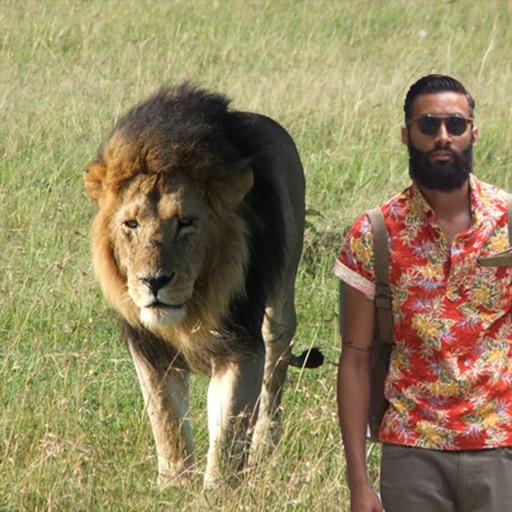

Fix Photos & Blurry Cool Edit
Iftikher Sultan
, add frames, create stories
With filters, cropping, and adjustment tools. Apply beauty enhancements and double exposure effects. Use color splash and resize images. Access frames and story templates. Change resolution and export in multiple formats.

iPhotos • Photo Collage editor
Joao Victor Flores da Costa
Edit photos and add stickers
Edit photos with filters, contrast, brightness, and color adjustments. Add text, stickers, and drawing tools. Customize images and landscapes. Export in high quality. Access a free image library. Apply advanced editing features.
VidCut - Video Editor Tempo MV
文杰 洪
Trim, merge, and enhance videos
Edit videos by trimming, merging clips, and adding transitions and glitch effects. Adjust playback speed and insert background music. Share finished videos directly.

PhotoCut - AI Photo Editor
Human Apps - F.Z.E.
Edit photos and remove backgrounds
Edit photos with background erasing and replacement. Remove backgrounds automatically or manually using AI. Replace backgrounds with custom images, colors, gradients, or textures. Adjust and enhance images with precise editing tools.



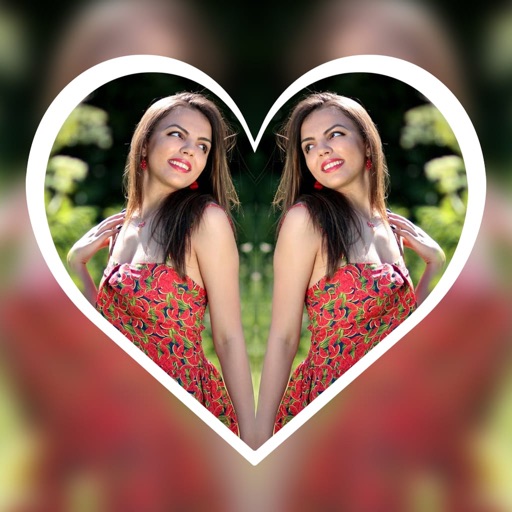
Mirror Photo Editor - Collage
Hareshbhai Issamaliya
Create effects and apply frames to photos
Create reflection effects with left-right, up-down, or repeat options. Apply effects and designer frames to enhanced images. Select from gallery or capture new photos for editing. Export and share edited images.

Picture Editor - Photo Editing
国文 李
Edit photos with effects and frames
Edit photos with brightness, saturation, and contrast adjustments. Add text, stickers, and memes. Crop, rotate, and straighten images. Apply effects and frames. Sharpen or blur photos. Import images from the camera roll. Fix red tones.

Photo Collage Maker • PicGrid
Goutom Dhar
Create collages with photos and edits
Create collages by combining photos, adding stickers, and applying effects. Choose from multiple layouts and templates. Edit images with cropping and filters. Share finished collages directly to social media.
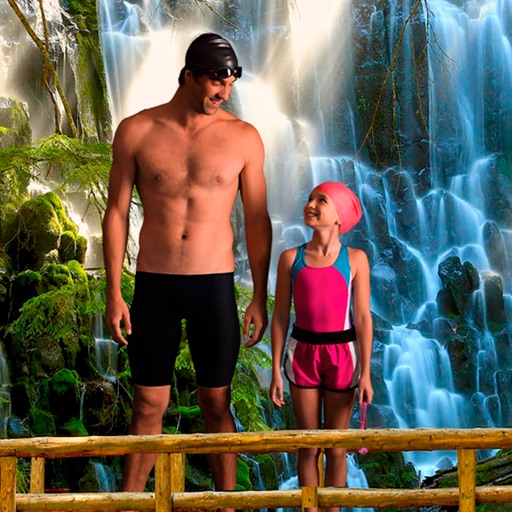
Waterfall montage with photos
Mireia Lluch Ortola
Crop finger drawings
Select a from the collection. Crop a photo by pressing the silhouette button and drawing the desired area. Place the cropped image within the chosen scene. Share the final composition.

Muse Photo Editor
Quantis, Inc.
Apply filters and effects in one tap
Create artistic images with single-tap camera effects and professionally designed filters. Adjust brightness, contrast, and tone curve. Blur and focus images. Rotate, crop, and resize photos. Add text and fun stickers.

Photomator – Photo Editor
Apple Inc.
Edit photos and videos with AI precision
Edit photos with nondestructive color adjustments, AI-powered automatic selections, and support for over 750 RAW formats. Use the Repair tool to remove unwanted objects. Export edited images in various formats and share directly.

Blur Photo - Blurit
MPR MEDIA INC
Photos and edit backgrounds
Blurify allows users to specific areas of a or the entire background. They can select from various brush types and shapes to apply . Adjust the intensity using a slider. Pre-set effects can be applied for different styles.
How we rank alternatives
Apps are ranked by functional similarity, category fit, rating confidence, and popularity.