Edit audio files by reversing playback. Adjust pitch and time stretch audio. Access pro features like equalizer, delay, and reverb. Save and share modified audio files.
by Renjith N★ 4.4492 ratingsMusicFreeData updated 2026-09-10
Edit audio files by cropping, cutting, and pasting segments. Apply effects like pitch adjustment, speed control, and delay. Record audio directly or import from the device library. Save and share edited files in various formats.
The app is a multitrack audio editor for iPhone and iPad. Users can record or import tracks, edit them with cut, copy, paste, and delete functions, and apply filters and effects.
Record video with phone camera to transcribe audio. Adjust pitch and speed of audio files. Loop sections for practice. Transcribe audio or video content. Export transcribed text. Share files directly.
Generate music using AI with style selection and customization options. Create instrumentals, add vocals, and produce full tracks. Export songs in various formats and share directly.
Record audio to and play back for humorous effect. Compare reversed speech or with original. Share results via social media or messaging. Adjust recording length and volume settings.
Import files from any cloud storage in common audio formats. Play, pause, and skip tracks. Create playlists and organize folders. Adjust playback speed and volume. Sync with devices and access audiobooks .
Play audio files with speed control, pitch adjustment, and equalizer settings. Support remote control via compatible earphones. Adjust volume up to +20 dB. Cannot play iCloud or DRM-protected files.
Create beats using a drum pad interface with customizable sound packs. Record up to 32 sequences to build full songs. Edit and arrange patterns with visual feedback. Export tracks in multiple audio formats.
Adjust audio playback speed between 25% and 200% without pitch change. Repeat sections of music at original speed. Change tuning or musical key. Save and share modified audio files.
Record voice or import clips. playback allows users to hear in . Imitate reversed sounds and record new reversed versions. Save and share reversed files. Playbacks occur offline without internet connection.
Play music in the background while using other apps. Support multiple audio formats including MP3, MIDI, WAV, FLAC, AAC, APE. Create and manage playlists. Save data by playing offline. Stream trending songs without internet.
Edit videos by removing wind, hum, and background noise. Adjust volume levels and mute sections. Apply professional audio effects. Export polished audio to Photos for social media use.
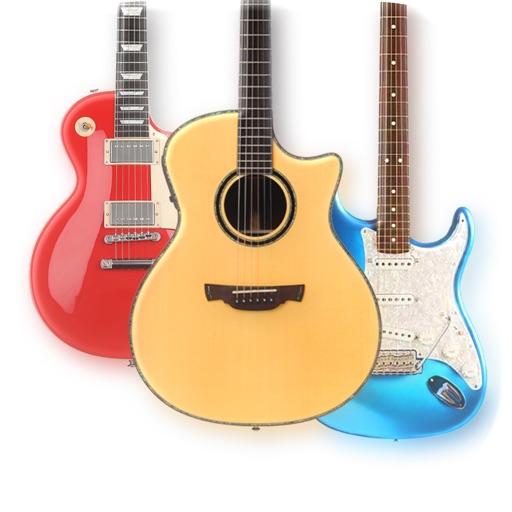
The app provides a lifelike virtual guitar experience with studio-recorded sounds. Users can play chord buttons or form chords with forgiving finger position recognition.
Edit audio files by cutting, splicing, and mixing. Convert formats and change voice tone. Extract audio from videos. Save edited files and create ringtones. Share finished projects directly.
Stream music from multiple radio stations and sources. Play, pause, and skip tracks. Adjust volume and equalizer settings. Save favorite stations for quick access. Share songs or playlists via social media or messaging.