Edit audio files by reversing playback. Adjust pitch and time stretch audio. Access pro features like equalizer, delay, and reverb. Save and share modified audio files.
by Renjith N★ 4.4492 ratingsMusicFreeData updated 2026-09-10
Convert images into music by analyzing color patterns as the image spins. Adjust volume, pitch, and tone settings. Create unique songs from personal photos or use for musical inspiration. Export and share generated audio files.
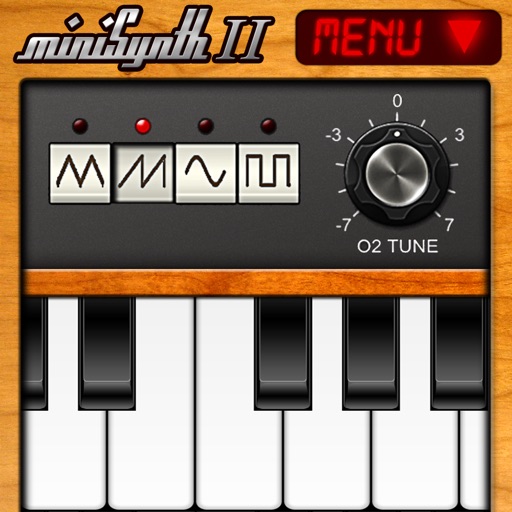
Create and edit music with a virtual synthesizer. Adjust waveforms, filters, and envelopes. Save and export audio files. Connect to MIDI devices. Share compositions directly.
Practice and play and rhythms with preloaded for kehrwa, dadra, roopak, deepchandi, and jhapp taalas at various speeds. Set and change guitar chords and keys to match singing pitch.
Listen to live radio stations UCB1 and UCB2 with customizable music and content. Access past interviews and news updates. Record messages for studio participation. Download podcasts and daily Bible readings.
The app provides singers with 12 real-time vocal effects, a 2-track recorder, and vocal warm-up tools. Users can process their voice, sing along to music, and record ideas.
Change in and audio files using AI. Select from a library of voices including robot, censor, devil, male-to-female, female-to-male, helium, scary robot, underwater, telephone, church echo, military radio, choir, reverse, and more.
Create custom polyphonic synthesizers and audio effects using modular components. Arrange modules on lanes to process audio signals. Build complex processors. Run as a standalone or AUv3 plug-in in DAWs like Logic Pro and Cubasis.
Use the to switch between and microphone output. Play music and sing along via YouTube. Listen to sound through speakers or use as a hearing aid. Simulate heart sounds or stethoscope-like audio. Connect via Bluetooth headset or .
Create and edit patterns with polyrhythmic tracks. Add bass and lead synths. Use audio unit support and new FX modules. Import and export projects. Playback and record loops. Retain compatibility with DM1 song files.
Create and manipulate effects with two parallel reverbs. Swap between reverbs based on amplitude or tone changes. Auto-duck inputs to reduce unwanted noise. Adjust parameters for precise harmonic control. Export processed audio files directly.
Create music with drag-and-drop audio clips, adjust pitch and tempo, add effects, and mix tracks. Export final songs and share directly. Collaborate in real-time with others.
Create and arrange melodies, bass lines, and drum beats by moving dots on the screen. Switch chords and patterns instantly. Apply delay and reverb effects to instruments. Tap or drag to build sequences. Sync with AirPlay for playback.
Manage and organize music collections by importing from Apple Music, desktop, or Files. Customize crossfade settings for smooth transitions. Access car play integration and widgets for quick access.
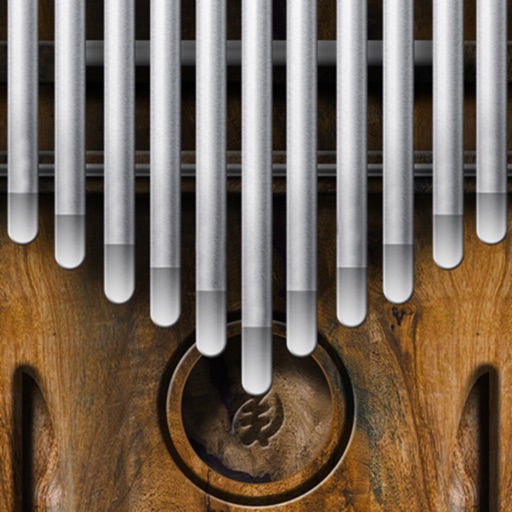
Play a simulator by sliding fingers over tines to produce multiple notes simultaneously. Adjust pitch and volume. Visualize tine vibrations in time. Save and share custom compositions. Sync with music apps for playback.
Record directly from the . Import files from Files, Music, Memos, or Videos. with one tap. Edit and trim segments. Adjust pitch and speed. Export in various formats and share directly.