Edit audio files by reversing playback. Adjust pitch and time stretch audio. Access pro features like equalizer, delay, and reverb. Save and share modified audio files.
by Renjith N★ 4.4492 ratingsMusicFreeData updated 2026-09-10
Listen to songs with daily Bible verses displayed after each track. Mark listening days to build a habit. Use a timer for daily reminders. Access a playlist for continuous playback. Track progress and review verses.
Generate tracks from text using AI. Select between lyrical or instrumental styles. Adjust tempo, key, and mood. Export in multiple audio formats. Share directly or integrate with platforms.
Create and edit music using a modular synthesizer with a pattern-based sequencer. Import XM and MOD files. Record audio via microphone or line input. Export multitrack WAV files. Support 16/24/32bit audio formats and MIDI input/output.
Create drum patterns with improvisation features and 2D control for jam and intensity. Use 8 assignable pads for live sessions and MIDI controls. Sync with Ableton Link. Export multi-track or full mix via audio-MIDI export.
Record and audio clips to create videos. Add text overlays and effects. Share directly to social media platforms. Collaborate with friends in real-time to create challenges. Adjust pitch and speed for customization. Export videos in various formats.
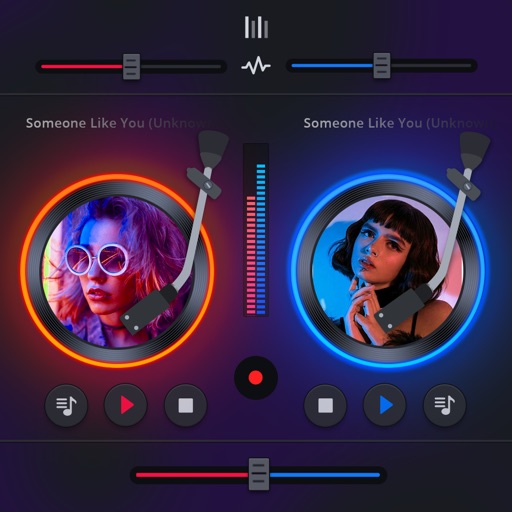
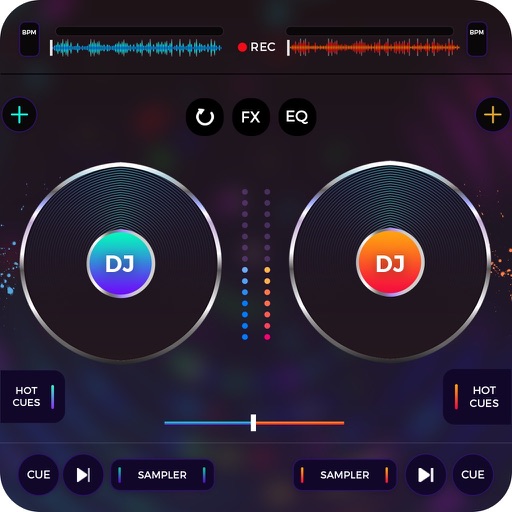
Manage playback with a 3D DJ interface featuring turntables and a 3-band EQ . Access a library to organize files and create custom mixes. Adjust volume and effects in real time during playback. Sync with external devices for live mixing.
Applies pitch shifting and reverb to audio, emphasizing harmonics and creating ambient effects. Users can adjust reverb thickness, pitch modulation, and harmonic balance.
Create personalized songs by adding names and selecting images. Edit videos with high-quality audio and visuals. Share finished songs directly through social media or messaging apps.
Control audio with preset levels from mute to MAX. Add favorite songs quickly. Mix videos with audio tracks. Use Pro Presets to adjust sound settings for different genres.
And arrange , bass, and drum parts in compositions. View and edit tablature for and drum parts. Use MIDI and Inter- Audio instruments for background sounds. Build harmonies and visualize note relationships.
Create and remix using loops and tracks. Adjust tempo, pitch, and effects. Layer and blend audio clips. Save and export custom mixes. Share creations directly.
Play melodies by plucking individual strings. Adjust tuning and volume. Save and share performances. Access historical information about the origins and evolution.
Create and edit music using sampled Mellotron sounds from the 1960s. Access a library of instrument tapes including strings, choirs, and horns. Adjust pitch, volume, and effects. Export projects in audio formats and share files directly.
Teach children to sing with interactive songs. Practice singing in two voices. Record and share vocal performances via email or social media. Includes 20 preloaded tracks with audio accompaniment and vocal guides.
Record audio and it with a single tap. Compare original and flipped versions side-by-side. Save created audio files and share them with others. Import or record audio directly within the .
Loop sections of songs for targeted practice. Adjust pitch and tempo in real time. Change pitch up or down by semitones. Sync with devices for playback.
The app processes and synthesizes live voice for music creation. It offers tools like vocoders, auto pitch, and harmonizing pitch shift for diverse vocal effects and soundscapes.
Write ideas using a chord keyboard with automatic chord detection. View guitar chord diagrams. Transpose keys or use capo for tuning. Import memos from cloud or other apps. Share notes through various methods.