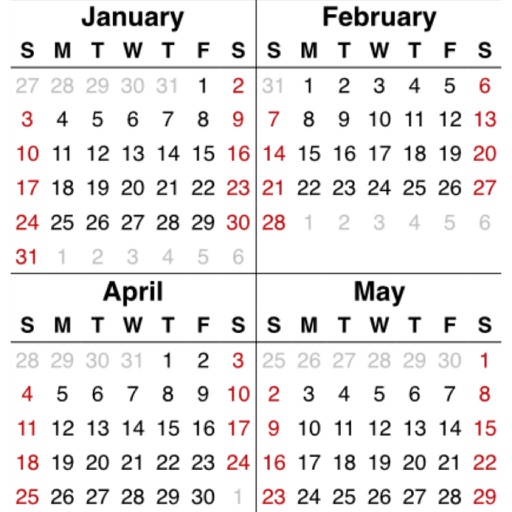
View monthly and next month calendars continuously without month boundaries. Display up to six weeks of appointments. Customize and event colors. Adjust color palettes for calendars and events. Set customizable display range for views.
Display full schedules with time and location on monthly views. Set multiple combinations and switch between them with a single button. Register recurring events using templates by double-tapping a date.
Manage assignments and set reminders with class and activity alarms. View a full calendar in week or month format with schedule bars and assignment details. Use interface shortcuts like pull, swipe, tap-n-hold, and drag-n-drop for quick edits.
Organize notes in folders and add pictures. Check items as complete with due dates and reminders. Search notes and filter by tags or calendar dates. Sync across iOS devices and view notes on web. Share folders with others and use journal mode.
Track tasks with visual scheduling and 2-tap addition. View weekly and panels. Add to tasks quickly. Include daily motivational quotes. Manage to-do lists with fast and reliable features.
Schedule events, set reminders, and organize tasks
Allows users to add cute icons to days and write personal notes. They can choose from 36+ colors for each day and customize text and icon sizes. The lets users set reminders and sync events across devices.
View events in multiple layouts with customizable options. Add and edit events inline. Set reminders and recurring schedules. Sync across devices. Export event data. Integrate with email and contacts.
Manage events with drag-and-drop editing to adjust dates and times. Sync with Google Calendar. Create and modify events directly on the calendar interface. View daily, weekly, or monthly schedules. Add reminders and set recurring events.
Plan your schedule with a minimalist interface and customizable aesthetics. Add events, set reminders, and choose from 100+ themed backgrounds. Sync across devices and access an ad-free experience without any limitations.