Use machine learning to enhance selfies with filters, effects, and pose adjustments. Edit photos by adjusting brightness, contrast, and skin tone. Share edited images via social media using the #shakyapp hashtag.
by Denis Karpenko★ 5.02 ratingsEntertainmentFreeData updated 2026-09-10
Capture photos using Auto, Manual, RAW, Slow Shutter, and Macro modes. Apply built-in filters and adjust brightness, contrast, and saturation. Edit images with cropping, straightening, and exposure tools.
Edit photos with 200+ filters and AI art effects for enhanced visuals. Adjust brightness, contrast, and saturation. Add text, stickers, and animated effects. Export in various formats and share directly. Apply AI flash for vintage aesthetics.
Create and manage social media content with AI tools for generating captions and organizing posts. Upload photos and videos. Schedule posts across platforms. Use hashtag generators and custom captions. Organize content into folders.
Edit photos with filters, effects, frames, and graphics. Add text and stickers. Share edited images directly. Apply custom overlays and adjust brightness, contrast, and saturation. Save and export in various formats.
Take photos and videos with 200+ real-time filters, motion graphics, textures, and light leak effects. Adjust skin tone and apply vintage looks. Export edited media in various formats and share directly.
Use filters to enhance photos and videos. Apply unique filters to selfies and share creations globally. Edit and save media with filter options. Create and share fun content with friends and family.
Edit photos with enhancement tools, effects, and color splash. Add stickers, frames, and overlays. Create collages and custom drawings. Crop, rotate, flip, and straighten images. Adjust brightness, contrast, and saturation.
Edit photos with , cropping, and adjustments. Add text and stickers. Export in multiple formats and share directly. Use AI to enhance images and create artistic effects. Apply pre-designed templates for quick edits. Sync edits across devices.
Edit photos with HDR effects, filters, and detailed adjustments. Enhance images with powerful lighting and contrast tools. Save and share edited photos in various formats.
Edit photos with filters, cropping, and adjustments. Add text, stickers, and frames. Create collages by combining multiple images. Share directly to social media. Apply effects and choose from various fonts and stickers.
Edit photos with Retouch AI for face and skin enhancements. Apply selective adjustments to objects and masks. Use overlays and global settings for lighting, color, and effects. Export and share edited images directly.
Identify resemblances using machine learning. Compare results to known celebrities. Share matches on social media platforms. View detailed comparison analysis. Enable in- purchases for premium features.
Edit selfies with beauty that enhance skin tone and reduce imions. Adjust brightness, contrast, and saturation. Add text, stickers, and effects. Save and share edited photos directly.
Edit photos with monochrome, retro, and vintage . Apply effects to enhance visuals. Share edited images directly from the . Adjust brightness, contrast, and saturation. Save and export in standard formats.
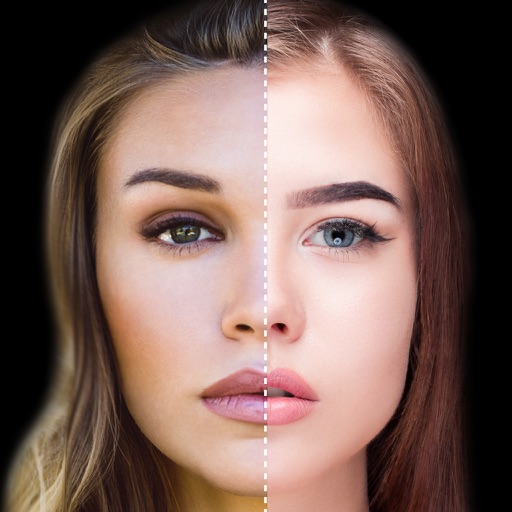
Find lookalikes using AI. Create collages with gradient face-to-face effects. Share with hashtag #looklikeme. Transform photos into art with AI styles. Upscale images for better clarity. No photo storage.
Capture photos and videos with manual controls, exposure adjustment, and focus customization. Import and organize media from iOS photo library. Edit images with filters, cropping, and brightness adjustments. Share directly to social media or email.
Edit photos with HSL adjustments for precise color control. Resize images to fit various frame ratios or remove frames. Add blur effects to backgrounds. Create collages from multiple photos. Apply filters, crop, and adjust brightness and contrast.