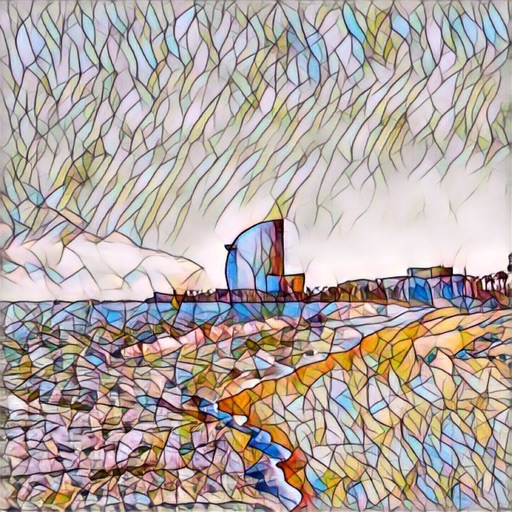
Use machine learning to enhance selfies with filters, effects, and pose adjustments. Edit photos by adjusting brightness, contrast, and skin tone. Share edited images via social media using the #shakyapp hashtag.
by Denis Karpenko★ 5.02 ratingsEntertainmentFreeData updated 2026-09-10
Print photos instantly from a smartphone or mobile device. Edit images with filters and cropping. Add signatures, emojis, and create stories using Polaroid Pop content. Share edited photos directly.
Create retro-style art with filters, color overlays, and glitch effects. Adjust brightness, contrast, and saturation. Add text, stickers, and pixelation. Export images in various formats and share directly.
Enhance images with one tap using 16 . Apply effects and adjust brightness, contrast, and saturation. Share photos directly to Instagram, Facebook, and Snapchat. Export edited images in various formats.
Add watermarks to media. Repost photos and as Stories or Reels. Schedule posts for later. Edit captions and generate text. Use AI tools for creators. Add hashtags. No login required. Support iOS 13 Dark Mode.
Edit photos with AI-powered background removal and erasure. Refine edges manually for precise results. Enhance image quality and create professional-looking photos without design skills.
Apply to photos for enhanced editing. Choose from 200+ across 20 packs including Blogger, Insta, and Vintage. Adjust tones, colors, and styles to match desired looks. Export edited photos for social media sharing.
Create photo and video stories with customizable animations and templates. Add text, stickers, and music. Edit clips, adjust brightness and filters. Share directly to social media or messaging apps. Save and view stories in gallery.
Use real-time AR filters to transform faces into animals, robots, superheroes, and other characters. Capture selfies and videos with live tracking and voice changers. Share edited content directly.
Take photos with warp and fish eye effects to create humorous images. Apply to enhance expressions. Share directly to Instagram and other social media platforms. View and edit photos in real-time with preview options.
Generate hashtags based on image content or keywords. Analyze photos to suggest relevant . Provide optimized and trending hashtag lists from prompts. Share generated hashtags directly to social media platforms.
Edit RAW images with customizable adjustments. Convert to JPEG format. Save adjustments for future edits. Export images without watermarks after subscription. Share edited photos directly.
Edit photos using presets from photographers and content creators. Adjust brightness, contrast, and saturation. Apply filters and crop images. Save and share edited photos directly.
UNIVERLIST TEKNOLOJI SANAYI VE TICARET ANONIM SIRKETI
Create videos from text and photos
Create animated HD videos from text or images. Add transitions, music, and text overlays. Edit clips, adjust timing, and export in various formats. Share directly to social platforms.
Remove backgrounds from images using AI-powered machine learning. Process images entirely on the device without uploading. Perform removal with a single click.
Edit photos with depth-based bokeh effect for professional portrait blur. Restore old or damaged images with enhanced clarity. Remove unwanted objects from photos. Adjust colors, brightness, and contrast. Export edited photos in various formats.
Edit photos with AI filters that alter the background and environment while preserving the face. Create fantasy scenes or different styles instantly. Add text and stickers to images. Export and share edited photos in various formats.
Enhance quality by unblurring, restoring clarity, and fixing low-resolution images. Create AI-generated avatars from selfies. Apply artistic filters and adjust colors. Export edited photos in various formats and share directly.
Analyze facial features using golden ratio, face shape, and emotion detection. Calculate beauty score based on makeup, hair color, and skin tone. Determine attractiveness through facial scanning and provide beauty assessment results.
Create collages by combining photos, adding stickers, and applying effects. Choose from multiple layouts and templates. Edit images with cropping and filters. Share finished collages directly to social media.