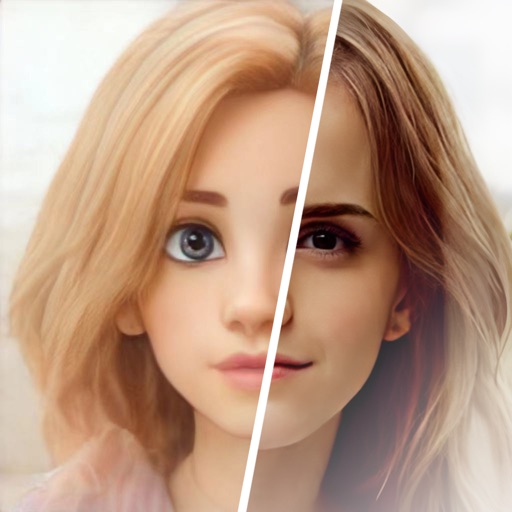
Use machine learning to enhance selfies with filters, effects, and pose adjustments. Edit photos by adjusting brightness, contrast, and skin tone. Share edited images via social media using the #shakyapp hashtag.
by Denis Karpenko★ 5.02 ratingsEntertainmentFreeData updated 2026-09-10
Apply Lightroom presets to enhance photos with filters, adjustments, and effects. Choose from urban, vintage, winter, travel, and portrait presets. Export edited images directly from Lightroom.
Create and edit videos by applying various effects to footage. Slice and rearrange clips from different times and spaces. Snap photos and record videos to share with others.
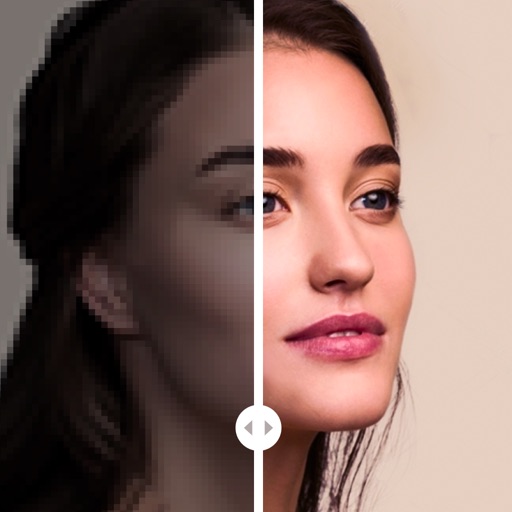
Enhance and beautify photos with AI-powered upscaling and detail refinement. Remove blemishes, adjust skin tone, and sharpen images. Apply filters and effects. Export in various formats and share directly.
Edit photos with reshaping tools to adjust height, slim waist and hips, and elongate legs. Retouch skin by removing pimples and scars, brighten under-eye areas, and enhance lighting. Adjust skin tone for a natural look. Save and share edited images.
Edit photos with advanced transformation tools, including contouring, skin smoothing, and facial feature adjustments. Enhance appearances by adjusting brightness, removing dark circles, and refining details.
Edit photos with , oil painting, art, dream, sketch, magic, anime, and comic filters. Apply effects to selfies or images. Save and share edited photos directly.
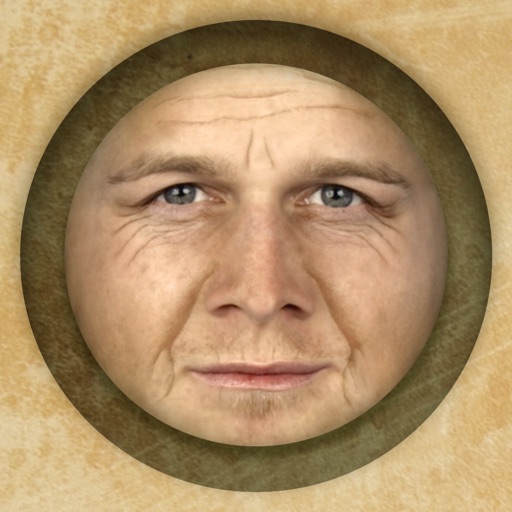
Predict how faces will look as they age. Upload photos to generate aged versions. Adjust aging intensity and style. Share results via email, messaging apps, and social media. Includes features like shaking to trigger aging effects.
Remove unwanted objects from photos with a single touch. Erase background elements like trash cans or poles. Edit selfies by removing distracting figures. Save and share edited images directly.
Edit photos with skin smoothing, blemish removal, and tone adjustment. Apply makeup filters and customize lighting. Share edited images directly or save in high quality.
AI allows users to enhance photos using AI technology. Adjust skin tone, remove blemishes, and generate new poses and backgrounds. Edit portraits and headshots with dynamic AI features. Export edited images in high quality.
Identifies and removes duplicate photos, low-quality images, and blurred screenshots. Automatically frees up storage space by deleting unwanted files. Uses machine learning, face detection, and neural networks for accurate analysis.
Edit photos and videos with a variety of and effects. Apply trendy styles to enhance visuals. Create original content with editing tools. Export and share edited media directly. Sync with social platforms for seamless posting.
Edit photos with nondestructive color adjustments, AI-powered automatic selections, and support for over 750 RAW formats. Use the Repair tool to remove unwanted objects. Export edited images in various formats and share directly.
Edit photos by applying filters and adding eye effects. Choose from multiple eye styles and import images from the camera roll. Share edited photos on social media platforms like WhatsApp, Facebook, and Twitter.
Edit photos using professionally crafted Lightroom . Apply filters, adjust colors, and enhance images for social media. Save and organize . Export edited photos for Instagram and other platforms.
Edit photos with stickers, filters, and effects. Add text and manga-style elements. Create collages and share directly. Adjust brightness and contrast. Save and export in various formats.
Edit selfies with AI-powered enhancements like reshaping, skin smoothing, teeth whitening, and dark circle removal. Apply filters and share edited photos online. Access all tools and future features with Premium.
Generate professional headshots from selfies using AI technology. Adjust lighting, background, and pose. Export in high resolution and share directly. Customize appearance and style settings.