Color pictures with a wide range of colors and tools. Draw on blank pages using realistic painting features. Access a variety of pre-designed images for . Zoom in and out easily. Watch video replays of drawing sessions.
by Stas Gurevich★ 4.419 ratingsEntertainmentFreeData updated 2026-09-10
Create art by painting animals, mythical creatures, and fantasy characters. Select from farm, undersea, and scary themes. Use educational tools to enhance creativity, motor skills, and memory.
Coloring pixel lets users select pre-made objects and color them using provided colors. Users can zoom in to better view the area. They can choose between easy and advanced images with varying color complexity.
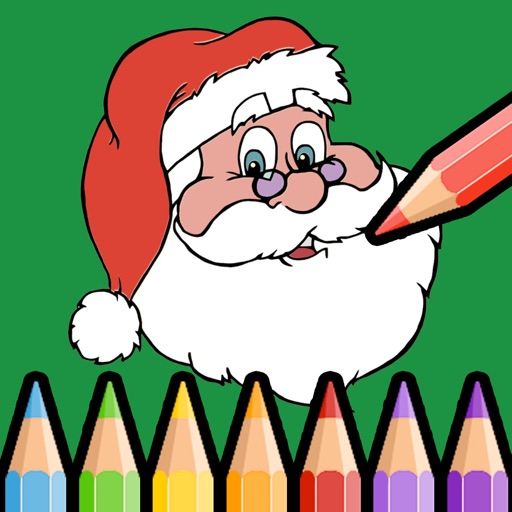
Pages feature Santa, elves, reindeer, trees, gifts, and themes. Select colors and touch areas to paint. Use eraser tool to remove colors. Zoom with two fingers. Access over 90 color options for creative customization.
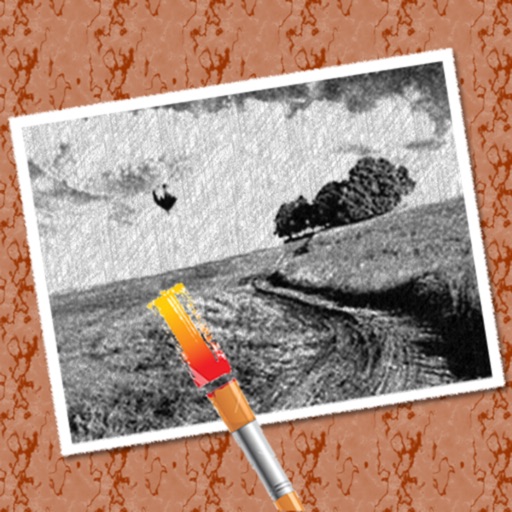
The app converts photos into pencil sketches for coloring. Users can import pictures from photo albums, the camera, or Flickr, and color them using touch controls.
Children can paint using their fingers on colorful templates. Choose from -themed pages to create artwork. Save and share drawings. Learn to mix colors and use brushes to enhance creativity.
Create drawings on colorful backgrounds with a variety of themes. Use stickers with sound effects featuring popular animals. Choose from simple drawing tools for young children or sticker-based activities for older kids.
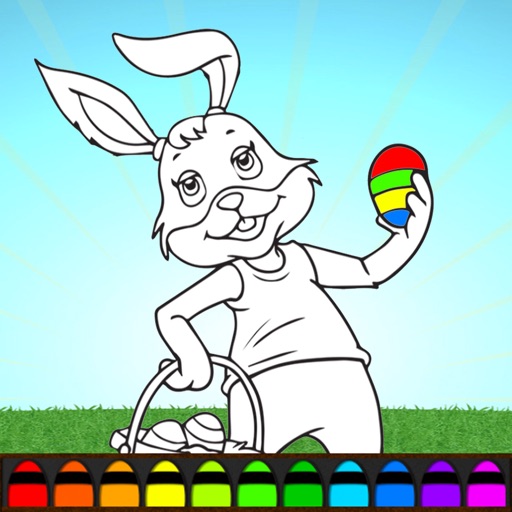
Color eggs and bunny illustrations with interactive . Choose from various -themed pages. Save and share completed artwork. Offers a fun, engaging way to celebrate with kids.