Teachers and students can wirelessly mirror content, ideas, and apps from their devices to a shared display. Share notes, presentations, and interactive content in real time. Collaborate during lessons and presentations.
by Promethean★ 3.012 ratingsEducationFreeData updated 2026-09-10
American College of Veterinary Internal Medicine, Inc.
View schedules, notes, and presentations
View conference schedules, presentations, posters, exhibitor info, and speaker details. Take notes on presentations and exhibitors. Share information via in- messaging, Twitter, and email.
Access school news and updates. View event calendars and interactive resources. Quickly access online tools and information for parents, students, teachers, and administrators.
Access event presentations, exhibitors, and posters. Take notes on slides and draw directly on them. Connect with other attendees and view session details.
Parents, students, teachers, and administrators can view school news, access event calendars, and retrieve online resources. The provides quick links to important information and interactive tools for staying updated.
Teachers create and customize digital decks for foundational skills instruction. Use cards to practice phonics, sight words, and reading comprehension. Track student progress and adjust lessons based on performance.
Read Islamic comics and stay updated with regular content. Create custom comic images to share messages. Join a community for interactive engagement and content creation.
Access conference presentations, exhibitor information, and attendee connections. Take notes alongside slides or draw directly on them. Save and organize notes for later review.
Attend sessions via email or web link. Interact in real-time with audio, screen sharing, and guided presentations. Collaborate in virtual classrooms and web conferences. View web tours and participate in discussions.
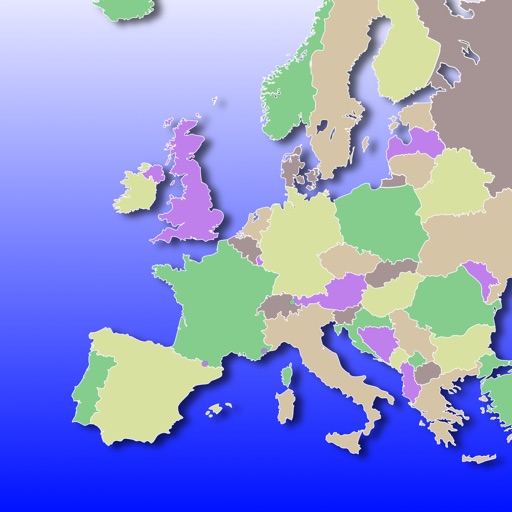
The app teaches European countries, capitals, and flags through interactive learning. Users can zoom, scroll, and tap to learn European geography without multiple choice or keyboard input.
Track attendance in real time, manage class schedules, and monitor grades. View upcoming assignments and submit work directly. Receive notifications for important updates and communicate with teachers and classmates.
Archdiocese of Los Angeles Education and Welfare Corp.
Access resources, news, and tools instantly
Access news and updates instantly. View event calendars and interactive resources. Quickly locate online tools and communications for parents, students, teachers, and staff.
Create multiple classrooms for different classes. Set and share class schedules automatically. Invite students to join virtual rooms. Track attendance automatically without manual entry. Manage student participation and monitor progress in real time.
Teaches through interactive lessons and printable PDF worksheets. Students practice letter sounds, blending, and word building. Parents or teachers can print activities for offline use.
View conference schedules, presentations, exhibitor details, and speaker information. Take notes on slides, posters, and exhibitor content. Draw directly on slides. Share notes via in- messaging, email, and social media.
Teachers and parents can access uploaded files, homework, class events, and grades 24/7. Students can view assignments and track progress. Parents can communicate with teachers privately and check all child data in one account.
Students, parents, and teachers access interactive eBooks offline via their account. View and interact with generated by teachers. Add resources to eBooks, which sync through the for offline use.
Access event presentations, exhibitors, and attendee connections. Take notes on slides and draw directly on them. Sync notes with presentation slides during .
Teach 1st English with interactive lessons and quizzes. Students complete step-by-step exercises with teacher avatars. Lessons focus on reading, writing, and vocabulary.
View schedules, notes, and slides from conferences
View conference schedules, presentations, exhibitors, and speaker details. Take notes during presentations and draw on slides. Share notes and messages with attendees and colleagues.