Offers DSLR-level photography with P and M exposure modes. Adjust shutter speed and ISO manually or automatically. Access film simulation settings for grain texture and contrast. Capture high-quality photos with mirrorless-level controls.
Record and switch between up to 9 external A/V inputs supporting NDI, NDI HX, SRT, or RTSP protocols. Use up to 4 UVC cameras on iPadOS 17. Access all built-in cameras on iPhone/iPad simultaneously.
Control slides, trigger macros, and activate props from a mobile device. Manage timers and access cues during live events. Operate remotely from anywhere in the room.
Record activity for games, apps, and tutorials. Capture full- content with one tap. Add video facecam reactions with adjustable size, position, and shape. Include audio commentary during recordings. Save and share recorded videos directly.
Control your computer with a wireless and touchpad-style from your iPhone. Type on Mac or Windows PCs, navigate with cursor movements, and use a numeric keypad for precise input. Adjust settings and manage devices remotely.
View and manage files across NAS drives, computers, servers, and cloud storage. Stream videos directly from devices or cloud services without conversion. Copy, move, and rename files. Connect to network devices instantly.
The app allows control and preview of MediaShout presentations over Wi-Fi from an iPhone, iPad, or iPod Touch. Users can view the main or stage display and control presentations in portrait or landscape views.
Stream content from phone or tablet to TV or compatible device. Mirror screens and cast media instantly. Connect devices to same Wi-Fi network. Select display and start playback. No additional hardware required. Share content directly to larger .
Turn your iPhone into a wireless mouse, , and touchpad for Mac or PC. Control cursor movement, type text, and navigate menus. Switch between devices and adjust sensitivity settings.
Control compatible car multimedia receivers via Bluetooth. Select radio stations or USB music tracks from the rear seat. Display source information on the smartphone screen. Use gesture controls for play, pause, skip, and repeat in drive mode.
The app controls audio, video, and presentation applications on a Mac from an iOS device over a wireless network. It offers functions similar to a hardware remote and can switch between controlled applications.
Compatible TVs via Wi-Fi network connection. Tap, swipe, or speak to operate TV functions. Instantly pair with all compatible TVs. View and adjust settings like volume, input sources, and power.
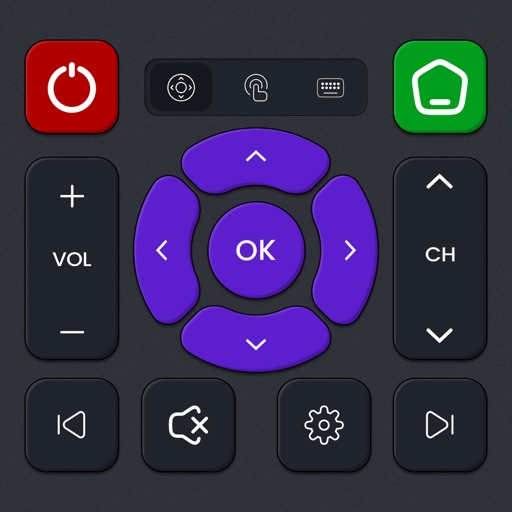
TV volume, channels, and playback from a smartphone or tablet. Adjust brightness and contrast. Navigate menus and access settings. Pair with multiple devices and manage playback functions.