Create and edit images with basic drawing tools. Draw freehand or use shapes and lines. Add text and colors. Save and share drawings directly. Import and modify existing images.
by P98 LLC★ 3.9385 ratingsPhoto & VideoFreeData updated 2026-09-10
Convert grayscale or black and white images to using selective recoloring. Select and capture images, pan and zoom for precise editing. Adjust brush size and opacity. Apply 200+ filters. Preview changes in real time. Redo or undo edits.
Apply filters to photos from the gallery or during capture. Choose from twelve unique styles including cartoon, sketch, and paint effects. Edit images with artistic filters and save or share the modified photos.
Apply New frames to photos. Add stickers and shapes. Create collages with holiday patterns. Customize designs for Hindu culture celebrations. Share edited images directly.
Create and send custom AI-generated . Choose from various styles and expressions. Edit with text, colors, and effects. Share in messages and social media. Save and organize personal emoji libraries.
Edit photos by applying filters and adding effects. Choose from 11 types and adjust brush sizes for detailed application. Zoom and pan using two fingers, or draw with a single finger. Save and share edited photos directly.
Create artworks by describing scenes or ideas. Input text to generate visual compositions. Experiment with styles and refine outputs. Share finished pieces directly.
Edit photos and drawings with AI filters for artistic styles. Create custom filters using neural networks. Upload images to generate new styles. Draw pixel art and save creations in collections. Publish artwork on NFT platforms.
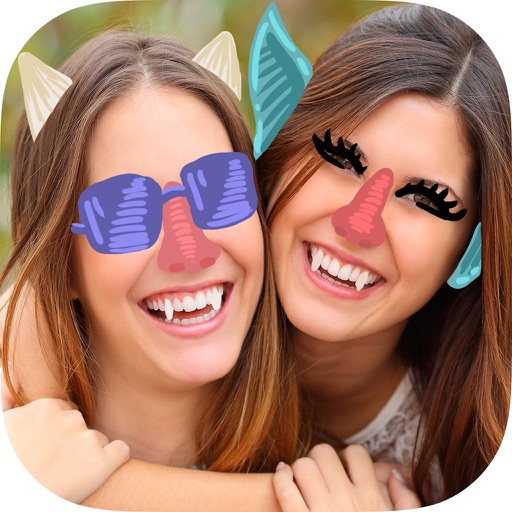
Edit photos with presets, watercolor filters, aging effects, and realistic mustaches. Crop, adjust colors, and add text. Share in various aspect ratios. Organize and browse albums and shared streams.
Create long drawings with customizable styles, text, and background colors. Edit photos using filters, stickers, and matting tools. Cut images into various layouts for sharing. Design custom stickers and save screenshots or tutorials.
The app allows users to draw anything using a grid. Users can select any area of an image, choose different grid types, and adjust grid size, color, and thickness.
Edit images with 17 tools including selection, painting, and gradient application. Work with multiple layers and alpha channels. Use XCF format for native file storage. Apply anti-aliasing to text and brush strokes. Add textures and effects.
Backgrounds and unwanted objects from photos using AI-powered tools. Edit and arrange images, then save as PNG, JPG, or WebP. Share directly or export in high-resolution formats. No watermarks in free version.
Arthur Eduardo Skaetta Alvarez Desenvolvimento de Software LTDA.
Edit image and adjust date time
Edit date and time, adjust camera information, and set custom GPS location for image files. View and modify without an internet connection. Save changes directly to image files.
Test colors on walls using photos or palette selections. Apply color to home images for visual preview. Adjust color tones and brightness. Save and compare color options before purchasing .
Generate AI images from text or photos with high-resolution output and clear details. Choose from multiple artistic styles. Edit and refine images directly within the . Save and share generated artwork in various formats.