Extract colors from photos or camera snapshots. Pan, pinch, and zoom to select areas. View RGB, HEX, CMYK, HSB, and LAB values. Access complementary and Pantone schemes. Export information.
Edit photos with body transformation tools, one-touch filters, and cropping. Apply mosaic and blur effects to background. Add vignette. Adjust and share edited images directly.
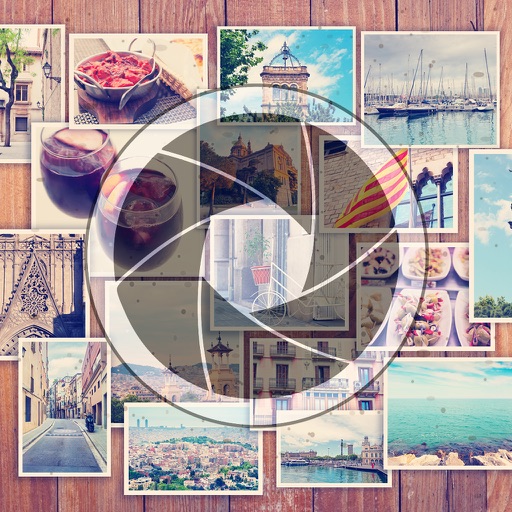
Create collages by arranging multiple photos into a single square layout. Adjust brightness, contrast, and white balance. Crop, rotate, and apply filters.
Edit photos with text addition, drawing tools in multiple colors, and cute icon placement. Crop images using various ratios. Export edited photos in different formats.
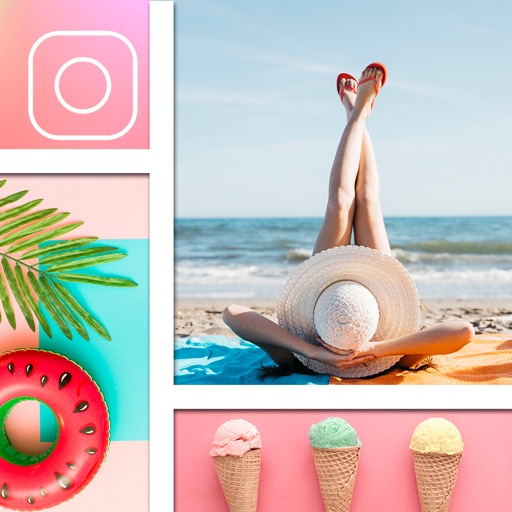
Create collages with single or multiple photos, up to 14 images. Add , backgrounds, and drawings. Share collages on Facebook, Instagram, Twitter, WhatsApp, and other platforms. Edit photos with basic tools and apply templates.
Edit photos with mosaic, pixelation, vignette, overlays, and HDR effects. Apply shattering effects with real-time adjustments. Export edited images in various formats and share directly.
Create collages by selecting multiple photos and arranging them in various layouts. Apply mosaic effects to individual photos for artistic results. Edit images with basic tools and save or share the final output.
Edit photos by applying recommended background colors and color combinations. Adjust color schemes with two fingers. Blur backgrounds and select from multiple color options. Access photos from the album and make edits directly.
And multiple images at once. Mirror selfies and correct photo orientation. Support for JPG, PNG, HEIC, WebP, and other formats. Preserves image quality during edits. No complex features required.