Apps Like TurboCollage Automatic for iPhone and iPad
Create collages with photos and sizes
Create collages by selecting a layout and adding photos. Arrange images in customizable grids or freeform styles. Export collages in various formats and share via social media or messaging apps.
by Gaurav Agarwal★ 4.2115 ratingsPhoto & Video$2.99Data updated 2026-11-20
Create collages by combining up to 16 photos. Choose from 250+ templates. Import and resize photos. Customize with backgrounds, frames, stickers, and text. Adjust angles and select from various fonts and colors.
Create collages and long by stitching multiple images together. Supports horizontal puzzle and other layout modes. Maintains original clarity during stitching. Allows manual adjustments and saves high-quality originals.
Shenzhen Qianhai Happy Tour Network Technology Co., Ltd.
Create ghost videos and photos easily.
The app allows users to create videos and photos with transparency and fade effects. Users can clone ghosts, apply filters, make illusions, and create collages.
Create collages with adjustable layouts and customizable frames. Crop, filter, and adjust speed. Add background music and preview instantly. Export in high resolution and share directly.
Create live wallpapers using free templates and customize with stickers. Take photos with a photo booth featuring fun stickers. Edit images with AI tools and templates. Share creations directly from the .
Remove photo backgrounds with one tap using automatic analysis or manual tracing. Overlay multiple images with transparency options. Adjust and export edited photos directly.
Create layouts using customizable templates. Arrange images in puzzle grids for consistent design. Adjust layouts for new and old post sizes. Edit and export posts directly.
Take portrait selfies with front and rear camera switching via tap or shake. Use night mode for low-light shots. Auto mirror and timer functions available. Create grid collages with 1:1 and 4:3 layouts using 1 to 9 grids.
Allows trimming, cutting, and adding effects to videos. Collage lets arrange multiple photos into grids or layouts. Slideshow creates timed photo presentations with music. Photo offers filters, cropping, and text tools.
The app allows users to combine multiple photos into a single collage. Users can select from various layouts and frames, add captions, and apply special effects.
Create photo collages and composite images using multiple layers. Remove unwanted areas with the background eraser tool. Adjust color tones and export edited photos in various formats.
Edit photos with filters, cropping, and adjustments. Add text, stickers, and layers. Create collages with 500+ grid templates supporting up to 9 images. Design stories with templates and grids. Cut out photos and add backgrounds.
And print documents and photos using the built-in scanner. Share or print files directly from the device. Supports printing with over 10,000 models including HP, Canon, Brother, and Epson.
The app functions as an AI slideshow maker, video template maker, and photo video maker. It allows users to turn photos into various video formats with music, utilizing over 1000 templates for different occasions.
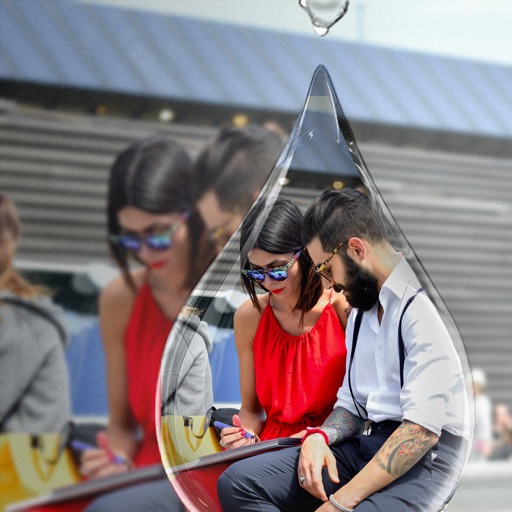
Edit photos with PIP frames, collages, and creative layouts. Add crystal bottle patterns and cartoon styles. Share edited photos directly to social media. Adjust brightness, contrast, and colors. Crop and rotate images.
Edit photos with filters, cropping, and brightness adjustments. Create collages and custom cards with design tools. Add text, stickers, and backgrounds. Export edited photos in various formats and share directly.
Create holiday collages with customizable layouts, -themed grids, and backgrounds featuring Santa, gifts, and snowmen. Add text messages, select photos, and design e-cards with festive frames and decorations. Export and share finished collages.
Create social media content with customizable templates and themes. Edit photos and videos by removing backgrounds and adding animations. Share finished stories directly to social platforms.