Send emails quickly with one-handed input using a specialized . Edit text with arrow keys for navigation. Type common website prefixes with custom keys. Avoid typing "http://" for faster entry. Adjust key size to reduce errors.
Take notes with a simple interface. Share notes via social media or email. Include special characters using an integrated keyboard or system-wide extension.
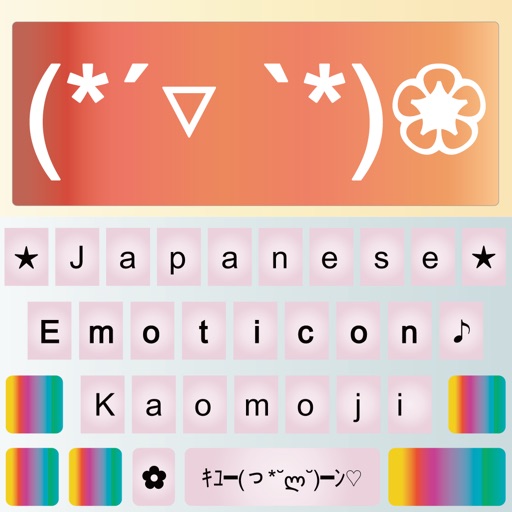
Provides access to Japanese text emoticons as a keyboard for iPhone and iPad. Users can switch to and from the keyboard in messaging apps like iMessage, WhatsApp, and Instagram. It allows adding expressive text emoticons to messages.
Spelling using microphone or keyboard input. Correct words and phrases with instant feedback. Share corrected via copy or share options. Listen to correct pronunciation of any English word.
Provides offline word meanings and letter suggestions. Users type English words for instant translations. Features include letter differentiation, typing speed improvements, and community support through sharing.
Convert images to text using OCR technology. Scan documents, receipts, and textbooks for digital storage. Support English, Japanese, and Chinese-Simplified. Save scanned content as files. Share scanned documents directly.