Documents, photos, and web pages directly from iOS devices. Select files from apps or cloud storage. Customize settings like layout, paper size, and duplex printing. Connect to wireless printers instantly.
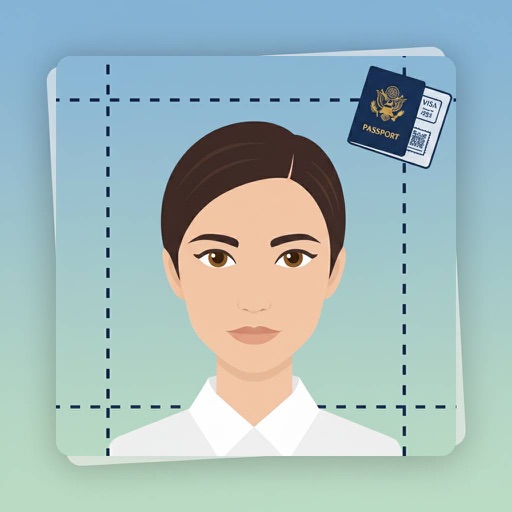
Create professional-quality ID photos by selecting from 900+ document types. Adjust photo settings to meet specific requirements. Instantly capture and edit photos with smart search for document details.
Send photos from Dropbox, Instagram, Facebook, or the camera roll for professional development. Choose from portrait, square, and landscape sizes. Select retailers for same-day pickup and enlargements. Print high-quality photos with pickup options.
Create custom wallpapers with scaling and resizing options on various backgrounds. Choose from color, gradient, pattern, bokeh, and text effects. Apply parallax effect for all iPhone and iPad devices.
ATA SOFWARE BUSSINESS AND PRODUCTION JOINT STOCK COMPANY
Edit photos, add templates, save as ID
Create professional-quality visa, ID, and passport photos. Select images from camera or gallery. Use AI-powered tools to adjust lighting, background, and size. Apply templates for official document compliance. Export and print directly from the .
Edit photos by applying customizable textures from a library of 45+ patterns. Adjust brush size and texture opacity for precise control. Change texture colors to match the image's tone using the Tint feature.
Display - with customizable colors and photo wallpapers. Change size using pinch gesture. Auto unlock prevents sleep. Save pins to a map via in- purchase. Supports portrait and landscape orientation.
Take high-resolution ID photos and save them with proper formatting. Automatically remove backgrounds and adjust skin tone. Choose from various outfits and backgrounds. Edit for brightness and clarity.
Create professional ID photos with customizable specifications. Adjust background, crop, and resize images. Save in standard formats and print directly. Suitable for passports, visas, driver's licenses, and more.