Customize appearance with , colors, and layouts. Add stickers, emojis, and animations. Change key shapes and sounds. Share custom designs with others. Adjust typing settings and layout preferences.
The app offers two typing modes: BubbleText for a playful style and regular text with a customizable keyboard. It works in various applications and includes auto-correct.
Type with customizable fonts and vibrant themes. Switch between keyboards instantly. Adjust layout and appearance for personalized typing experience. Add stickers and emojis for expressive communication. Share settings across devices.
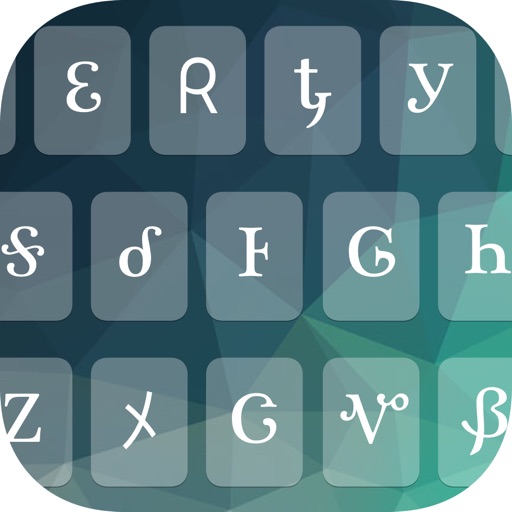
Customize keyboards with background images, colors, fonts, and button sounds. Choose from 50+ prebuilt options or create custom layouts. Edit and switch keyboards at any time.
Type characters using Traditional or Modernized layouts. Switch between layouts instantly. Input text in within apps like Messages, Facebook, Instagram, and Twitter. No additional installation required.
The app offers a fast mobile keyboard for typing in Amharic, Tigrinya, and Oromo using Fidel or Latin scripts. It supports multilingual input, including Emoji, and converts messages to images for universal viewing.
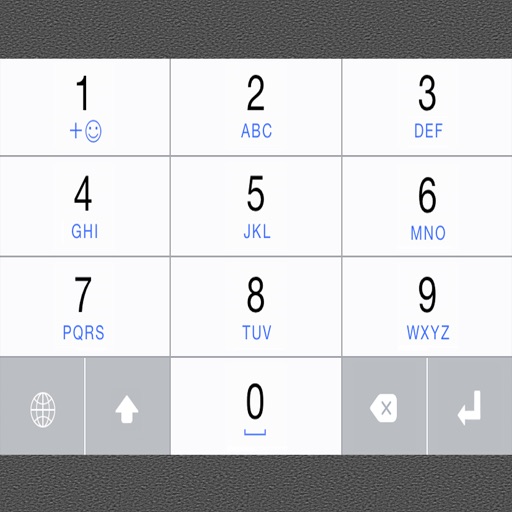
Type using an English through . Convert typed English words into script instantly. Supports accurate word conversion without needing exact English spelling. Allows users to input text efficiently.
The app helps users find Windows keyboard combinations for typing symbols and characters not on traditional keyboards. Users can copy symbols and characters to their iOS device's clipboard for pasting on a Mac.
Create animated sketches by on the and pasting them into compatible apps. Share drawings in iMessage, Mail, Notes, and soon on social platforms. Requires full access to copy animations to the pasteboard.