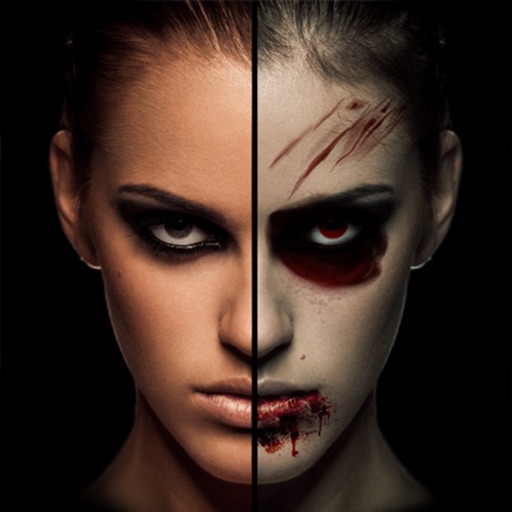
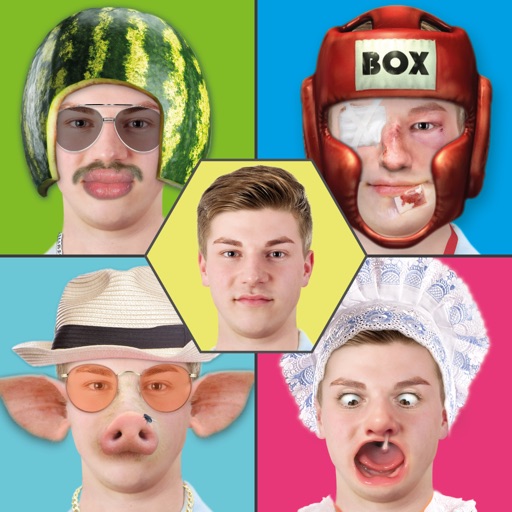
Apps Like Create A New Face : Face Booth for iPhone and iPad
Create A New Face : Face Booth screenshots
Ranked alternatives
Showing 41–60 of 1,000 ranked alternatives.

Retouch Me: Face, Body Editor
Good Retouch LP
Edit photos and selfies instantly
Edit photos with face and retouching tools including waist slimming, big butt correction, abs editing, and face symmetry. Adjust skin tone, teeth color, and hair style. Change clothing colors and remove objects.

MaxCurve
晓东 王
Edit curves, adjust exposure, capture photos
Edit photos with 28 customizable curves, manual camera controls, HDR, layers, channels, and masks. Adjust opacity, apply presets, blend modes, and crop or add vignettes. Share edited images directly.

AI Enlarger: Image Upscaler
通 张
Upscale, repair, and enhance photos
Upscale photos by 2×, 4×, or 8× using AI. Repair low-resolution images, retouch faces, and apply advanced enhancements. Supports macOS Tahoe 26 and works efficiently on M1/M2/M3/M4 chips. Export enhanced images directly.
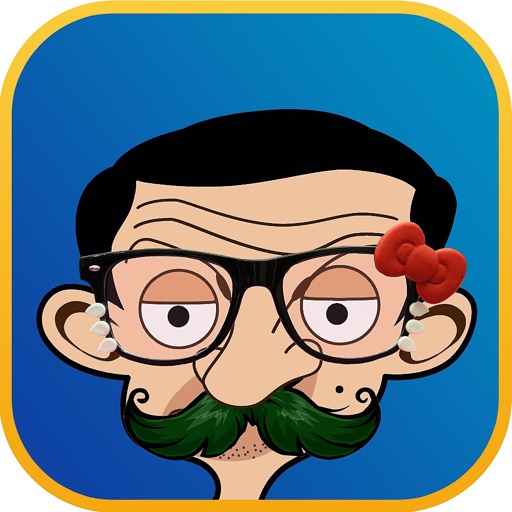
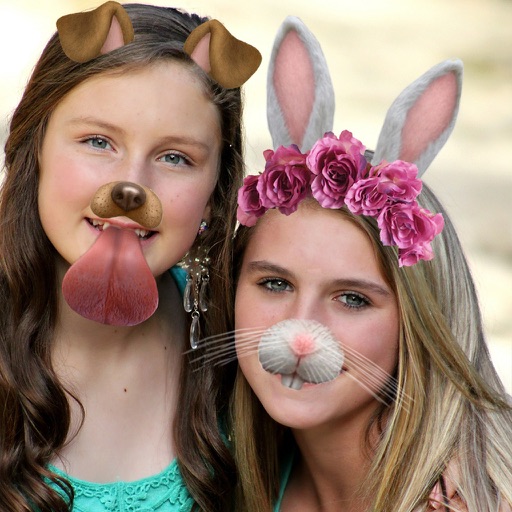
Make Funny Face : Photo Editor
Nguyen Thi Kiem AI
Edit faces with mustaches, glasses, hats
Apply filters and accessories like mustaches, glasses, and hats to photos of faces. Edit images to transform looks of people or pets. Save edited images to the album. Share edited photos with friends.

Body Editor.
Best Cool Apps LLC
Edit faces and bodies with precision
Edit photos to enhance facial features, shape, and specific areas like abs, waist, and muscles. Adjust colors, add accessories, and modify facial elements such as nose, eyes, and hair. Save and share edited images directly.

Video Editor ‧
IAPPTECHNOLOGIES LLP
Edit videos, add music, apply filters
Edit videos with slow motion, compression, and reaction camera features. Create intros and slideshows. Add music and apply one-click effects. Record screen and enhance videos with animations and filters.


Passport Booth
TAPUNIVERSE LLC
Edit photos, remove backgrounds, meet document requirements
Edit photos with background removal, cropping, and resizing tools. Adjust brightness, contrast, and color. Choose from and ID photo templates. Preview and export in required formats. Share directly or save for later.

Toonita: Cartoon & Comic Maker
Aleksandar Milosavljevic
Convert photos to art
Edit photos with art, technical sketches, and pop-art styles. Adjust line weight, contrast, and color. Export in high resolution and share directly.

Image Editor - Filters Sticker
惠英 印
Edit photos quickly and easily.
The app offers tools for photo editing, including frames, layouts, and effects. Users can adjust color balance, brightness, contrast, and saturation, and apply sharpening or blurring.

Infltr - Infinite Filters
YOOSHR LTD
Edit photos
Edit photos with , cropping, and adjustment tools. Add text, stickers, and effects. Export in multiple formats and share directly. Supports videos, Live Photos, and works across iOS and Mac devices.
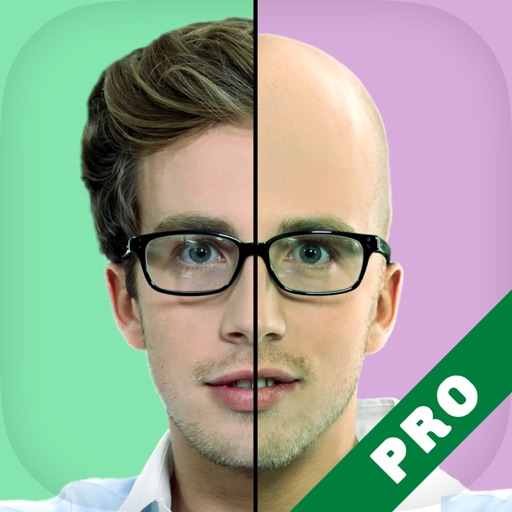

Cymera・Photo Cam Beauty Editor
Zipo Apps Ltd.
Powerful editor and all-in-one beauty camera.
The app offers professional beauty tools for skin makeovers and selfie filters. It includes various camera lenses, silent mode, and collage features for sharing on social networks.

Mooch - Beard & Mustache Photo Editor for Men Face
Ankur Chauhan
Edit beards, resize, share photos
Edit photos by adding customizable beards and mustaches. Choose from various styles and positions. Resize or rotate elements using multitouch. Save edited images and share them with others.

Facetouch - Funny cool booth
Fabian Martinez
Edit photos with 350+ fun filters
Edit photos by adding hats, wigs, shades, costumes, and accessories. Choose from 350+ free and 480+ premium objects. Adjust elements with intuitive tools. Save and share edited images directly.
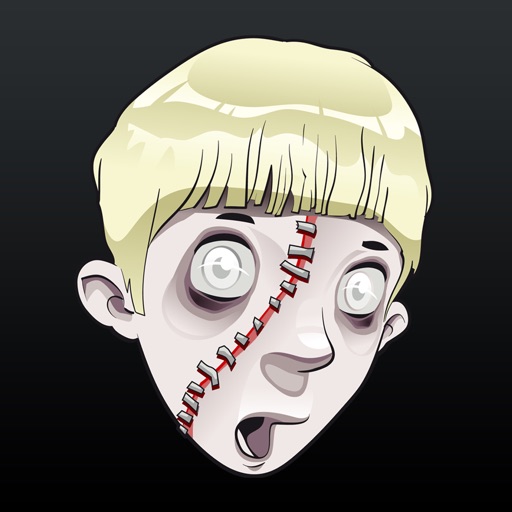
Scar Booth
Appdicted LLC
Edit photos and add realistic scars
Edit photos by adding realistic scars, cuts, and bruises. Adjust transparency and blur for a lifelike appearance. Share modified images with friends and family.
How we rank alternatives
Apps are ranked by functional similarity, category fit, rating confidence, and popularity.