The app allows users to transform photos into vintage images with various color and light effects. Users can apply different frame borders, adjust contrast, gamma, and saturation, and add vignetting and noise.
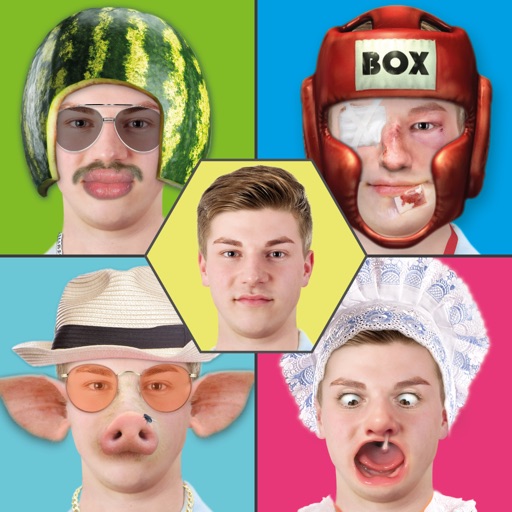
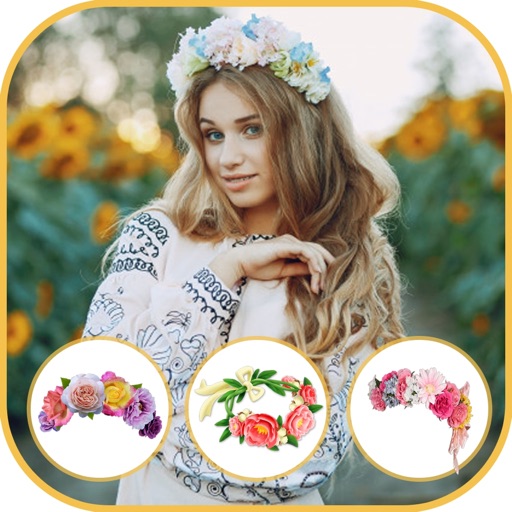
Edit photos by customizing hair color, lip color, and facial features like flower crowns, mascara, and eyebrows. Add accessories such as hats, earrings, necklaces, and tattoos. Include summer stickers and goggles. Apply glow effects and piercings.
The app allows users to create document photos for passports and identity cards. It offers image editing tools, size adjustments, and multiple output options for printing.
Photos with one-tap AI enhancement for vibrant colors. Preview edits in real-time. Swap backgrounds with two taps. Use over 20 pro tools including filters, frames, and stickers. Crop and paste objects onto any backdrop quickly.
Capture photos with adjustable speeds from 0.5 to 15 seconds. Freeze or blur specific areas using focus and splash tools. Adjust contrast and sensitivity settings. Add captions, text, and draw on photos.
Try on different hairstyles and colors on facial photos. Select from over 50 styles and adjust to fit face shape. Add stickers and decorative stamps to enhance photos. Preview changes and save edited images.
The app allows users to customize their iPhone camera with various atmospheric photo styles. It offers adjustments for brightness, contrast, blur, focus, and vignetting, along with 18 color filters.
Edit photos with customizable HDR settings including effects, brightness, contrast, temperature, and hue/saturation. Capture high-resolution HDR photos in one click. View and manage HDR images in a dedicated gallery.
The app offers slow shutter control for unique photos with adjustable shutter speeds from 0.5 to 15.0 seconds. An editing lab allows users to draw on photos, add text, adjust brightness, contrast, saturation, and apply various effects.