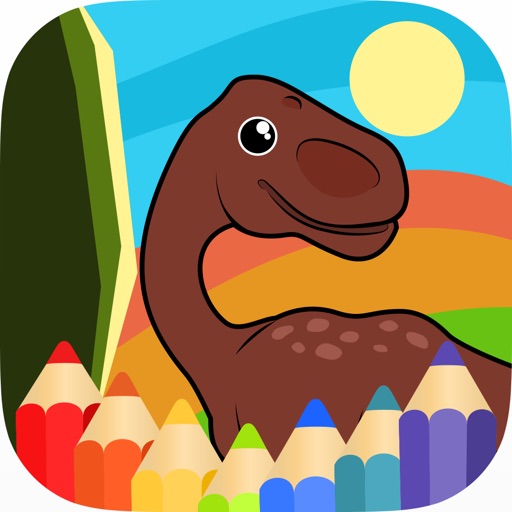
Learn through interactive featuring colored dinosaurs. Resize brushes, erase or reset images, and choose from multiple levels. Designed for with a friendly, colorful interface.
Create and edit musical scores using Apple Pencil, finger, or stylus. Organize compositions in folders. Use templates or import custom paper. Share or print scores as PDF. Copy and paste sections for editing.
Create drawings with realistic , blackboard, and marker pen textures. Add sound effects during drawing. Use an intuitive interface to sketch lunch menus, todo lists, and humorous images.
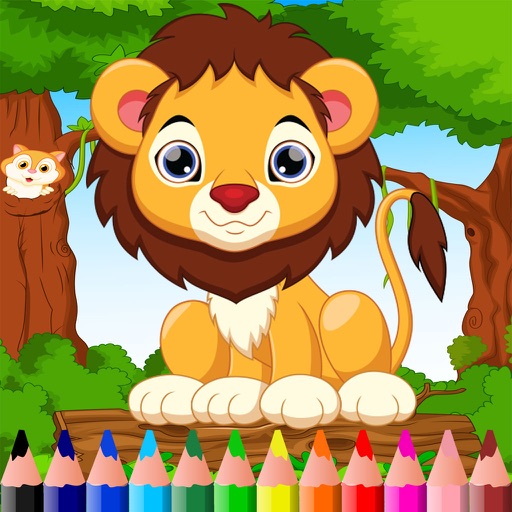
The app provides a vibrant coloring experience with African animals. It includes interactive elements, animations, and sounds for a special artistic journey.
The app provides a coloring book and drawing pad with over 70 pictures of dogs and cats. It includes 9 brushes and over 50 texture pattern brushes, with a feature to replay coloring sessions as a film.
The app adds Ruby characters (Furigana) to Japanese text. It supports both vertical and horizontal layouts, and annotated text can be printed or shared.
Drawing techniques through interactive lessons that break down shapes and strokes. Follow animated guides to practice each step. Save and review your artwork. Share drawings via email or social media.
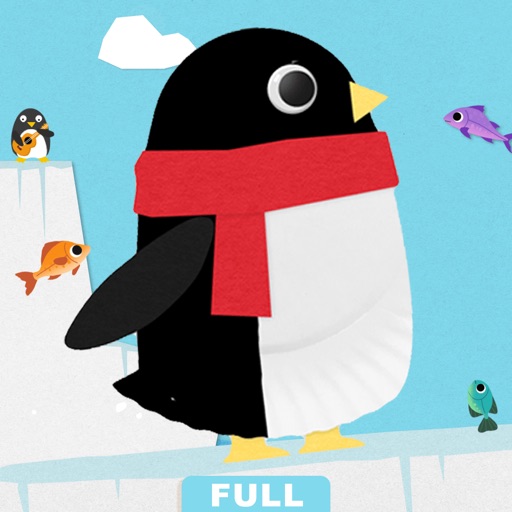
Create crafts with plates and step-by-step lessons
Teach kids aged 3-7 to create crafts using plates. Lessons guide step-by-step creation of items like dogs and hens. Includes 14 games and activities for practice. Encourages creativity through interactive challenges.
The app provides vector drawing tools and flipbook-style animation. Users can create frame-by-frame animations or single-frame vector artwork with various drawing tools and shape options.