Edit photos, remove backgrounds, export for passports
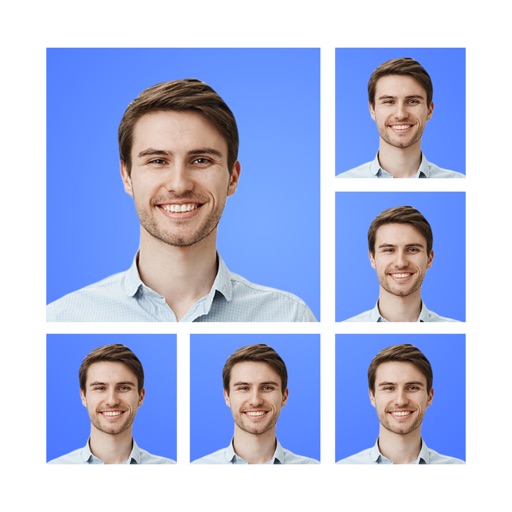
Create and ID photos for US, UK, Canada, and other countries. Remove backgrounds manually or automatically. Edit photos, adjust size, and convert to ID-ready format. Select country-specific requirements and export final images.
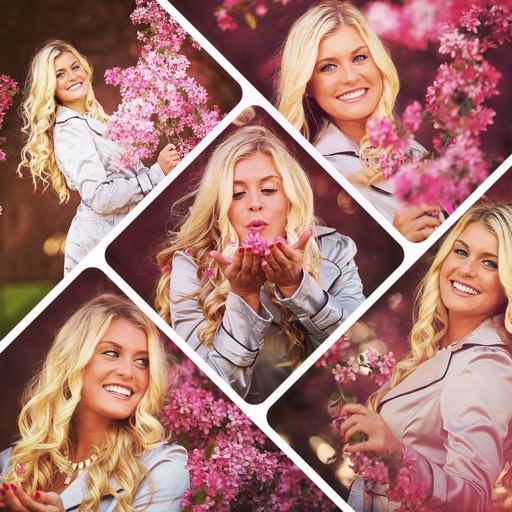
Select from hundreds of templates to create collages. Customize templates with text, stickers, and filters. Arrange images in layouts. Export and share directly to Instagram.
Edit photos with filters, filter mix, and creative shape effects. Apply mirror and mask tools. Create photos without cropping. Design grids and add funimate effects. Share directly to Instagram.
Create posters and posters using pre-designed templates. Choose from thousands of options for business, social media, or events. Customize text, colors, and layouts. Export in various formats and share directly.
Create collage videos with 50+ layouts. Customize grid ratios, background colors, and border settings. Add text, music, stickers, and filters. Drag and arrange media on a timeline. Apply special effects and adjust layouts for final edits.
The app arranges photos, animated GIFs, Live Photos, and videos into justified layouts. Users can reshape collages, reorder media, customize borders, and edit photos before sharing or saving.
Create collages by combining multiple photos from the gallery. Choose from various frames and themes. Apply filters to enhance images. Share collages directly to social media platforms. Edit individual photos with cropping and adjustment tools.
Edit videos by trimming, rotating, scaling, and flipping clips. Select frames and overlays to enhance visuals. Export full-size videos for Instagram and other platforms. Adjust orientation to match social media requirements.
Create a custom grid to style your home screen with images from your gallery. Play photos randomly from albums or stream all device-stored photos. Use standalone that function independently. Make collages using selected images from your phone.
Edit photos by adding , stickers, and text. Create collages and cards with customizable designs. Upload images from the gallery or take new photos. Choose from pre-designed and stickers. Add notes and messages to photos.
Create collages and cards for occasions like birthdays and holidays. Choose from customizable layouts, backgrounds, and stickers. Apply filters. Add photos to designs and export for sharing. Purchase additional layouts and content packs.
AI-powered photo curation selects and crops images from your album. Users can customize timelines to explore photos. Intelligent cropping allows sharing as live wallpaper, collage, composite, or individual images.
The app allows users to crop photos into a square shape for posting on Instagram. It supports both landscape and portrait orientations and offers various background options and effects.
Create collages by combining multiple photos using various frame patterns and grid layouts. Apply over 1100 design styles to individual images or collages. Share finished creations directly from the .