Apps Like PIP Camera Photo Effect - Pic in Pic Image Editor with Fun Picture Collage and Frame Filter for iPhone and iPad
Add pic in pic to photos
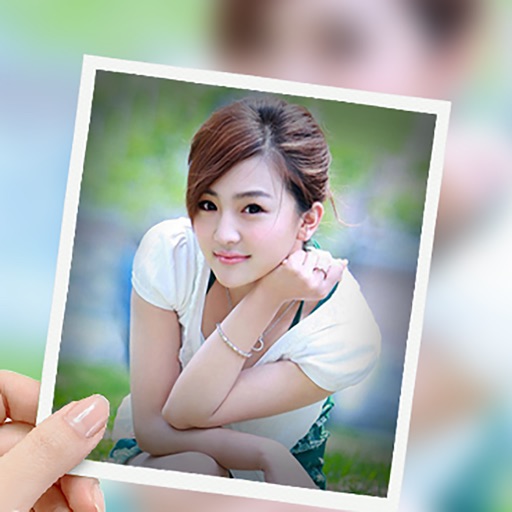
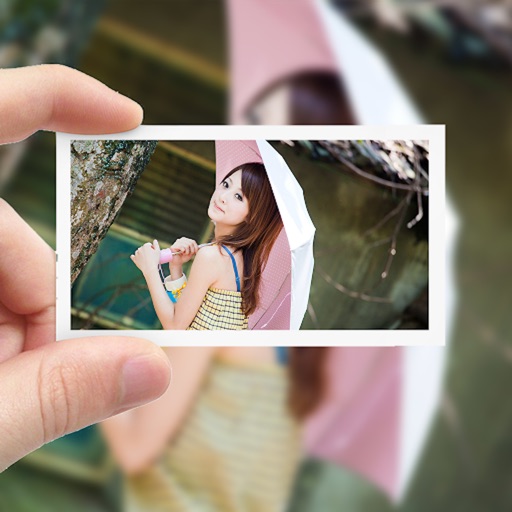
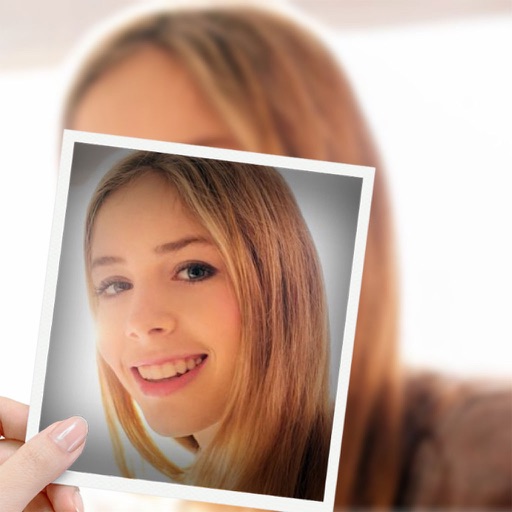
Add pic-in-pic effects to photos by selecting from various styles. Edit images options. Share finished photos to social media platforms like Facebook and Twitter. Capture or choose images from the roll.
by Jian Yih Lee★ 5.01 ratingsPhoto & VideoFreeData updated 2026-09-10
Create collages using 1000+ layouts and effects. Edit photos with filters, split images, and adjust brightness. Add text, stickers, and templates. Share edited collages directly.
Edit photos with over 900 effects including montages, frames, and caricatures. Create collages and holiday e-cards. Apply filters and adjust colors. Remove watermarks and export images without ads. Share edited photos directly.
Edit photos with multiple camera models simulating DSLR, iPhone, and film styles. Use AI to enhance natural features and apply various portrait styles. Save money by avoiding camera purchases.
Convert photos into sketches or cartoon avatars using 50+ effects like , Memory Style, and Old Movie Style. Apply 50+ cartoon effects to create humorous or artistic images. Save and share the edited photos directly.
Create double exposure effects by blending two images. Adjust opacity and alignment for custom overlays. Save and share edited photos directly. Access advanced editing tools with a premium subscription.
Edit photos by applying filters and adding eye effects. Choose from multiple eye styles and import images from the camera roll. Share edited photos on social media platforms like WhatsApp, Facebook, and Twitter.
Capture photos and videos with customizable PIP frames. Apply foreground filters and background effects like blur, zoom, and comics. Add motion effects such as fire and snow. Create PIP videos or GIFs and share directly.
Record videos and photos from the device camera or camera roll. Arrange and trim clips. Add text titles and captions. Apply styles and transitions. Export videos in various formats and share directly.
Create collages by adding photo grids, frames, and filters. Apply effects like sepia and retro. Add stickers and text. Share collages via messengers and social networks. Edit photos with built-in frames and layouts.
Create collages by arranging multiple photos in predefined layouts. Adjust ratios and positions. Share finished collages on Facebook, Twitter, and Tumblr. Export in various formats.
Apply effects like , Doodle, and Hatch to photos. Add photo frames to edited images. Use Photo in Photo feature to overlay sketches on original photos. Edit and share modified photos directly.
Edit photos with filters, filter mix, and creative shape effects. Apply mirror and mask tools. Create photos without cropping. Design grids and add funimate effects. Share directly to Instagram.
Edit photos and videos with advanced auto enhance tools, double exposure, and 425 special light effects. Apply filters, add stickers, typography, and vignettes.
Shenzhen Qianhai Happy Tour Network Technology Co., Ltd.
Create posts from photos
Create and share photos in a unique format. Select from 50+ layouts. Automatically suggest image order for posting. Crop photos directly within the . Add videos to posts. Display full banner images on social media profiles.
Take selfies with pip effects and apply filters like sepia and vintage. Create collages and edit photos with various effects and frames. Select images or capture new ones and enhance them with pip features. Share edited photos directly.
Create video stories from clips, photos, and music. Add filters, effects, transitions, and stickers. Edit audio, trim clips, and adjust timing. Export to YouTube, TikTok, Facebook, or Instagram. Share directly from the .