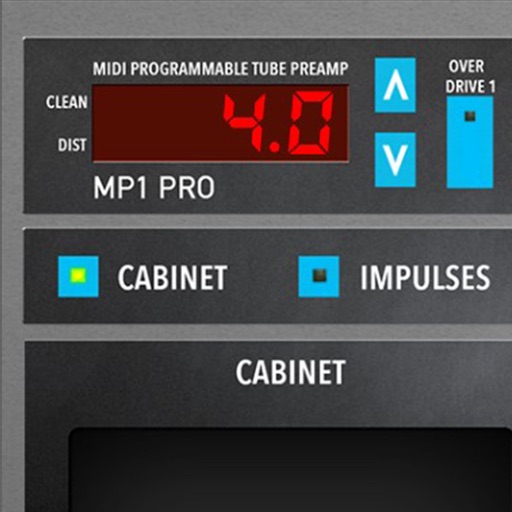
Simulate guitar amplification with 5 amplifier models and matching cabinets. Adjust gain, EQ, and effects. Connect to audio interfaces and record directly. Load and save presets. Sync with iOS devices for real-time control.
Edit and manipulate sampled instruments with high polyphony support. Load and play wavetable samples efficiently. Adjust parameters for sound shaping. Export and integrate samples into music projects. Sync with DAWs for seamless workflow.
Adjust audio signals with tri-state voicing options for distortion tube, clean tube, or solid state. Apply digital delay with lo-fi filter and time offset controls. Customize power amplifier settings including presence, resonance, and power switch.
The app allows users to control Box Design devices, including playing music from various sources. It offers control over amplifiers and other analogue sources when paired with a Remote Box S.
The app offers a collection of 265 bass guitar chords, with variations and optimal fingerings. Users can transpose chords to any key and hear instant playback by strumming the screen.
Compare two mixes side by side to evaluate changes in bass, compression, reverb, and other effects. Switch between mixes during live performances. Adjust settings to refine sound and make real-time decisions during mixing sessions.
Adjust amp settings with two channels - Normal and Vibrato. Each channel has volume control and tone stacks for bass, middle, and treble. Use built-in spring for spacious sound. Adjust intensity for varying effects.