Is a that lets users input and edit formulas with a live display. It supports formula reuse, variable memory, and cursor navigation for precise editing. Users can check formulas for errors and adjust values efficiently.
Perform calculations with a freeform canvas and responsive results. Link numbers for instant updates. Calculate tips and discounts. View full history with clear formatting. Adjust settings for precision and layout.
Allows users to perform complex calculations with a natural equation entry system. It supports split screen, wireless keyboards, and Apple Watch integration. The displays full equations in real time and offers dark mode for enhanced readability.
Solve math problems step by step with detailed explanations. Access subject-specific tutorials for calculus, physics, and chemistry. Track progress with personalized plans. Receive instant feedback on quizzes and assignments.
Measures environmental noise and displays decibel values in real time. Shows current noise reference and min/avg/max dB levels. Displays dB as a gauge and graph line. Saves measured records for later review.
Perform complex calculations with trigonometric, statistical, and combinatorial functions. Define and evaluate custom equations. Graph mathematical expressions and explore multiple variables. Save and reuse calculations for future use.
Solve equations and perform algebraic manipulations. Graph functions and analyze data. Enter and analyze statistical models. Calculate derivatives and integrals. Export results and share solutions.
Perform complex calculations with root, power, trigonometric, and logarithmic functions. Calculate factorials and double factorials. Draw graphs, use four memory blocks, insert constants, and make notes.
Perform complex number calculations and trigonometric functions. Handle matrix operations and numerical root finding. Calculate integrals and statistical values including linear regression. Write and execute custom programs. No ads or in- purchases.
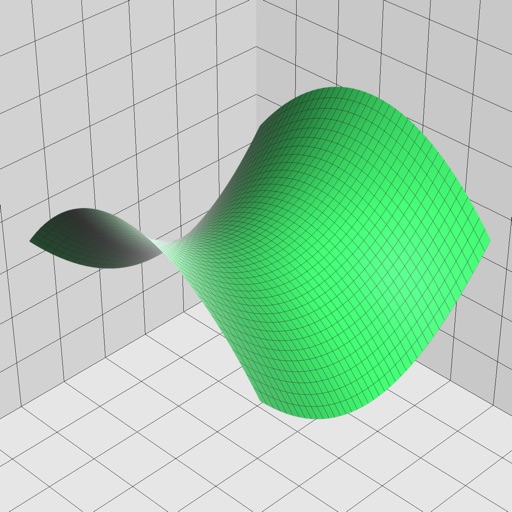
Allows users to graph mathematical equations in 2D, 3D, and 4D with animations. It supports vectors, matrices, trigonometric functions, and complex numbers. Users can plot cartesian, polar, and parametric equations.
Scan equations, get step-by-step solutions, share, print,
Scan problems to receive step-by-step solutions in PDF format. Share, print, or save the document. View graphical representations of solutions. Solve equations, inequalities, derivatives, integrals, and trigonometry problems.
Enter and edit equations in mathematical notation. Visualize 2D and 3D graphs of explicit, implicit, and inequality equations. Adjust settings for display and analysis. Save and share calculations.
The app offers six calculator types including graphing, handwriting, and scientific functions. It displays equations and results simultaneously, supporting equation solving and graph plotting.
Solves matrices with calculations like inversion, determinant, and decomposition. Explains each of algorithms. Offers interactive geometric visuals. Includes tutorials with proofs and links to related topics for Linear Algebra concepts.
Perform complex calculations with 10 financial worksheets and 10 calculators. Switch between landscape and portrait modes. View results in decimal, fraction, or percentage formats. Save and recall previous calculations. Export data as text or PDF.
Capture problems with the camera for instant step-by-step solutions. Solve algebraic expressions, equations, functions, and sequences. View detailed explanations and practice similar problems.