Display and share photos from your phone on your frame. Invite family and friends to upload photos to the frame. Automatically sync smartphone albums to the . Remotely adjust settings and connect the to Wi-Fi.
by NETGEAR, Inc.★ 4.33,682 ratingsEntertainmentFreeData updated 2026-09-10
The app allows users to create and send personalized postcards, family gazettes, announcements, and photo albums. Printing and worldwide delivery are included for all creations.
Create frame-by-frame animations using drawing tools. Share animations with a community. Participate in themed contests. Export animations in multiple formats. Sync with flipbook style playback. Collaborate with other creators.
Create custom photo frames, books, and prints directly from your phone. Upload images and text to design layouts. Choose from various paper types and finishes. Order and track shipments. Share finished products via email or social media.
Securely store and protect personal photos with PIN or fake passcode access. View login logs, clear security history, and manage unlimited albums. Password-protect all images and monitor break-in reports.
Create greeting cards by selecting from the gallery or taking new ones. Choose from various and adjust with zoom, rotate, and move features. Send customized cards to friends and family.
The app offers over 200 frames for photos and supports multiple pictures within a single frame. It includes tens of photo filters and allows photo import from various sources.
Create -to- slideshows with cinematic transitions. Add text, stickers, and music using an intuitive timeline. Edit frames precisely. Layer music, sound effects, and voice-overs. Adjust speed per frame. Add background images.
Phone screen to TV or streaming device for instant casting. photos, videos, and stream movies, TV shows, and series. Play games, share presentations, and conduct video calls on the big screen.
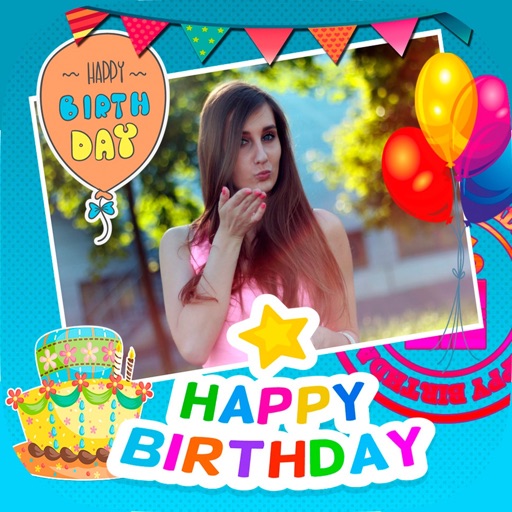
Decorate photos with festive frames and color effects. Add bokeh effects and stickers. Share edited photos directly with contacts. Apply pre-designed frames and customize colors for images.
Edit photos to create formats without cropping. Add blurred backgrounds to full-size images. Resize, rotate, and adjust photos. Save in high quality and share directly.
The app automatically uploads photos and screenshots, generating a shareable link instantly. It offers unlimited storage and syncs with a desktop version for cross-device management.
Create animations using frame-by-frame drawing on photos. Add doodles and export as GIF or video. Share finished animations with friends. No advanced drawing skills required.
Create dynamic slideshows with auto-updating content from cloud storage. Add custom animations, video playback, clock, and weather overlays. Display photo details and sync with iCloud, Google , Google Drive, Microsoft OneDrive, and Dropbox.
Create photos with customizable . Select from options. Add photos from gallery or capture new ones. Apply filters for enhanced appearance. Include stickers or emojis. Save and share edited images.
Convert photos into printable pages with customizable line art. Select from artistic styles and color sections by tapping. Print or share high-resolution pages. Ideal for creative expression and preserving memories.
Edit photos with holiday , , and -themed elements. Add text and handwritten messages. Share edited images directly or save to albums. Create New Year collages and festive photo collections.