Leonardo - Photo Layer Editor
Pankaj Goswami
Photo editing with desktop power.
The app provides layer support, selections, and masks for photo editing. Users can export projects with layers preserved and access various tools and filters.
Showing 121–140 of 1,000 ranked alternatives.
Pankaj Goswami
Photo editing with desktop power.
The app provides layer support, selections, and masks for photo editing. Users can export projects with layers preserved and access various tools and filters.


esDot Studio Inc
Convert photos to art
Convert photos to style with 16 customizable masks. Adjust colors and settings for detailed control. Save high-resolution artwork for print. Share creations socially. Supports iPhone, iPad, and iPod touch.

Honk Honk Punch Pty Ltd
Create layered designs and stickers easily.
The app provides a creative canvas for layered designs, custom stickers, and social content. It features AI background removal, layer stacking, and blending for artistic effects.
induben barai
Apply filters to photos and videos
Apply filters to photos from the gallery or during capture. Choose from twelve unique styles including cartoon, sketch, and paint effects. Edit images with artistic filters and save or share the modified photos.

Bita Sobhani
Convert photos to books
Convert photos to black and white drawings for . Import photos from device or camera. Add colors using painting tools. Create drawings on blank canvas. Premium version offers more paint colors, opacity control, and outline editing. Removes ads.

P98 LLC
Create, edit, and share images
Create and edit images with basic drawing tools. Draw freehand or use shapes and lines. Add text and colors. Save and share drawings directly. Import and modify existing images.

Quynh Nhu
By numbers, create art anytime
By numbers with detailed designs and numbered sections. Select colors and apply them to complete images. Save and share finished artworks. Adjust brush size and opacity for precise coloring.

Iftikher Sultan
Take photos advanced controls
Edit photos adjustable temperature, tint, and exposure settings. Use texture blending tools and apply effects. Add stickers opacity and shadow control, and include text 3D effects and multiple fonts. Crop, rotate, and straighten images.


多智 吴
Edit, shoot, and share videos anytime
Create movies by combining videos, photos, music, text, recordings, and finger drawings. Add transitions, effects, and captions. Export and share finished projects directly.
惠满 贺
And edit with custom tools and colors
Create and edit drawings using various tools like Pen, Line, Arrow, Rect (Stroke/Fill), Ellipse (Stroke/Fill), Eraser, and Text. Choose from multiple colors including Black, Red, Green, Blue, Yellow, and more. Save or share drawings directly.
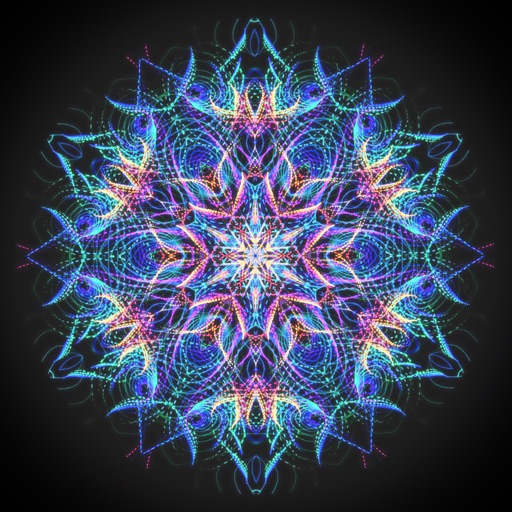
Escape Motions, s.r.o
Create mandalas and kaleidoscopes
Create animated swirling patterns and kaleidoscope artworks. Select from various brush styles and color palettes. Adjust speed and symmetry settings. Save and share generated artwork. Relax through interactive, meditative visuals.
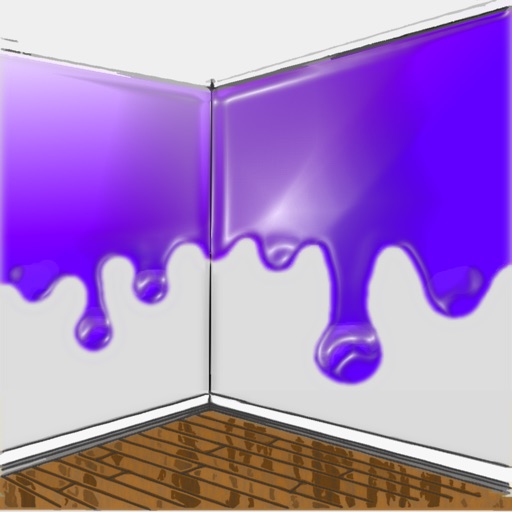
Luminant Software, Inc
Visualize paint colors on walls instantly.
The app allows users to visualize new paint colors on their walls before painting. Users can try colors from a palette or sample real-world colors and apply them to photos of their home.



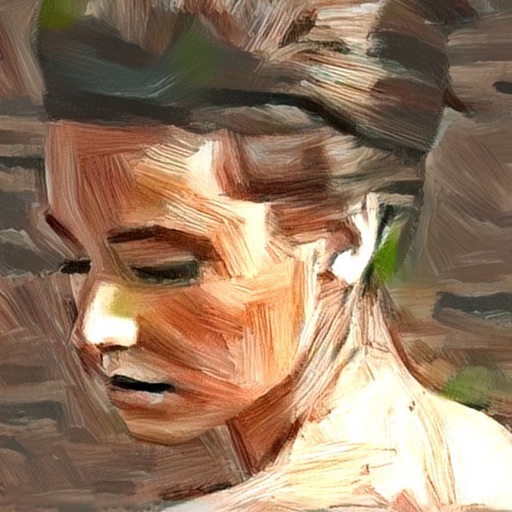
Informe Laboratories, Inc.
Create portraits with AI-generated art
Turn photos into artistic portraits using AI-generated styles inspired by famous paintings. Choose from various art techniques and adjust details. Save and share the final artwork in different formats.

Plurk Incorporated
Share updates, videos, and stories
Share updates, videos, and artwork with friends and followers. Create public or private posts. Mention others to notify them. Customize privacy settings to control who sees your content. View and reply to messages.

INDRAJIT KHARE
Draw, erase, and create freely
The app allows users to draw and erase with a shake. It includes features like multiple colors and pen sizes for creative expression.
Apps are ranked by functional similarity, category fit, rating confidence, and popularity.