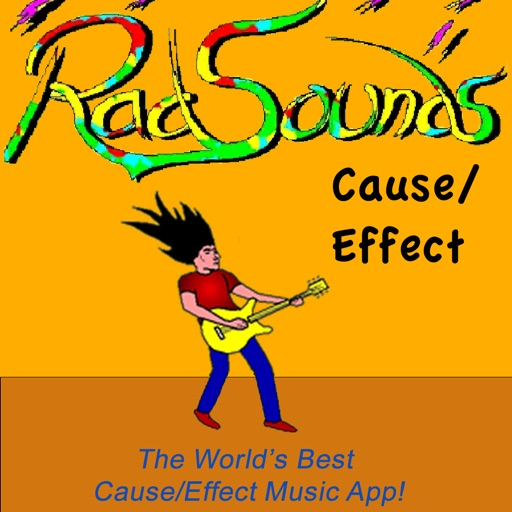
The app allows users to create custom playlists by recording, importing music, or using provided songs. It offers multiple playback modes including momentary, timed, and a playlist cycling option for varied musical experiences.
Customize playlists with recorded or imported music
Learn cause-and-effect relationships through music. Customize playlists by recording, singing, or importing songs. Use Momentary, Timed, or Advanced modes to control music playback duration. Trigger sounds with touch or voice commands.
The app allows users to create custom playlists by recording new music, importing from their device's library, or using provided songs. It offers switch-friendly access for users with physical challenges.
Access content like live performances, covers, and remixes. Discover curated playlists across genres and activities. Create personalized playlists with song suggestions or collaborate with others. Organize a library of liked and added songs.
Create personalized stations based on songs, artists, or genres. Search or browse for mood- or activity-based recommendations. Access and stay updated on new releases. Stream current global hits and listen to favorite artists.
Stream , podcasts, and videos without an account. Create and manage playlists. Shuffle or repeat songs. Search for artists, songs, and podcasts. Favorite tracks for quick access. Set sleep time. Watch videos in portrait or horizontal mode.
Songs from locations like bars and gyms. Browse playlists and submit song requests. Track preferred tracks to influence future playlists. Share with others through the .
Access from iTunes and iCloud libraries. Mix tracks with crossfade effects. Adjust tempo and pitch in real-time. Use built-in melodies and sound effects. Create custom remixes and save projects. Share mixed tracks directly.
Create and organize folder playlists. Import tracks from cloud storage and file systems. Access from authorized sources. Play without ads. Manage playback queue and adjust audio settings.
Play audio files in formats including MP3, AAC, M4A, WAV, AIFF, and M4R. Use the equalizer to adjust sound settings. Boost bass levels. Edit song metadata. Manage playlists. Stream from the cloud. Store offline for playback without internet.
Browse and search for free . Listen to songs online. Create and manage playlists. Search by song, artist, or playlist. Stream with background playback. Supports all iPhone and iPad screen sizes. Control playback from lock screen.
Play files by searching for MP3s. Create and manage playlists. Organize tracks by artist, album, or genre. Control playback with buttons for play, pause, and skip. Adjust volume and balance settings. Sync device with computer for file transfers.
Listen to from various genres including J-Pop, Japanese , Visual Kei, Vocaloid, Anison, and Nightcore. Search for songs, add favorites, and stream online.
Import local music files and organize them into playlists. Create custom playlists and manage your music library. Sync with streaming services to access additional tracks. Control playback with intuitive controls and adjust audio settings.
Videos and songs from Google Drive, Dropbox, and OneDrive. Auto-caption videos in 100+ languages. Play items on a nano screen and in background mode. Edit videos with filters, trimming, captions, stickers, and convert to MP3.