Adjust audio frequencies with linear shifting and stereo delay feedback. Apply high and low pass filters. Modulate delay with LFO. Control via MIDI CC.
by erik sigth★ 4.821 ratingsMusic$2.99Data updated 2026-09-10
Adjust audio levels with a compressor and limiter. Control low, mid, and high frequencies with separate knobs. Apply transparent compression to vocals and mixes. Export processed audio files.
The app provides a grid of pads for playing and manipulating sounds. Users can create custom sounds using the device microphone or iTunes file sharing, and modify them with effects and parameter changes.
Offers groove presets and custom beat creation. Play along with favorite songs via InterApp, Audiobus, Core MIDI, and clock MIDI. Share patterns through iTunes file sharing or Audio Copy. Features a realistic analog interface for vintage enthusiasts.
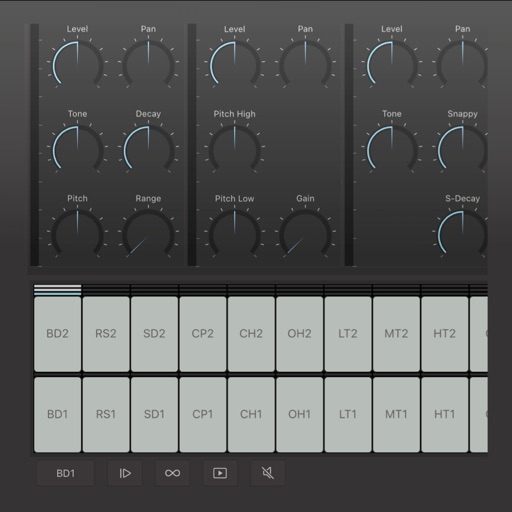
Create and edit drum patterns using 27 drum voices. Apply effects like delay, chorus, and reverb. Automate parameters and sequence 16-bar patterns. Save and load project files for later editing.
Create and edit patterns with polyrhythmic tracks. Add bass and lead synths. Use audio unit support and new FX modules. Import and export projects. Playback and record loops. Retain compatibility with DM1 song files.
Create and manipulate effects using a step sequencer interface. Adjust tape simulation settings including compression, saturation, hiss, head bias, and wow/flutter. Export audio files and apply effects during recording or playback.
Create and manipulate sounds using additive synthesis. Choose up to four sound sources and apply predefined envelopes. Adjust macro parameters for precise control. Edit and morph sounds to build complex sequences or rhythms.
The app displays audio frequencies up to 20 kHz on an iPad, iPhone, or iPod Touch. Users can adjust frequency span, FFT size, and apply filtering for smoothing.
Apply convolution reverb using impulse responses from real spaces or hardware. Adjust parameters for decay, pre-delay, and EQ. Blend multiple reverb types. Export processed audio files. Sync with DAWs for mixing and mastering.
Create and apply motion filters to audio inputs in real-time. Choose from three filter types and adjust range, frequency, and quantization. Use sequencer movement for pattern creation or enable infinity mode for continuous randomization.
Modify audio signals using modulation, voltage-controlled carrier oscillation, and dual-waveform LFO modulation. Adjust frequency and depth parameters. Connect to MIDI devices and integrate with DAWs for real-time effects processing.
Adjust audio frequency response with a wide range of tonal adjustments. Apply classic British settings. Customize sound through flexible equalization controls. Access demo version with limited free play time.
Record sounds via microphone and play them on dual piano keyboards with a rhythm machine. Create complex musical arrangements using voice, instrument, and environmental samples. Export and share audio files. Supports Audiobus and MIDI connectivity.
Create and manipulate complex frequency filters with multi-curve spectral shaping. Adjust filter amounts per frequency or range. Mix, modulate, and spread curves for dynamic sound design. Export and apply filters to audio tracks.