Create and edit beats using samples and sequencer programming. Tap pads or use advanced controls for sound shaping. Build complex sequences and customize rhythms. Export projects and share beats directly.
The app provides a music production environment with a piano keyboard and studio-quality instruments. It includes a multi-track sequencer for editing notes and applying effects.
The app allows users to create and remix music by mixing samples and loops. Users can add vocals, drum kits, and melodies, and apply audio effects to their songs.
Create beats using step sequencers and pads. Sample sounds from Roland TR and MPC machines. Mix tracks with a built-in mixer. Record and play back custom patterns. Adjust tempo and rhythm settings. Export and share finished projects.
Play virtual 3D with animated visuals and real-time lighting effects. Adjust settings for sound and performance. Save and share session recordings. Connect to external audio devices for enhanced playback.
Create beats using 154 drum kits. Adjust tempo and rhythm patterns. Customize sounds with effects. Save and export loops. Share creations via social media. Sync with other devices for collaborative projects.
Create and edit music with virtual instruments and audio effects. Record and arrange compositions. Export tracks in various formats. Share finished songs directly. Import audio files for integration.
Experience rock percussion with unique instruments.
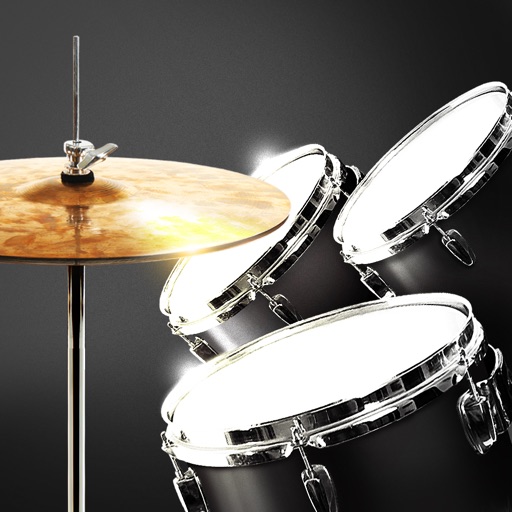
The app offers a rock percussion experience with recording mode and multitouch. It includes a full acoustic set with 15 realistic sounds like kick, hi hat, bass drum, snare drum, splash, crash, ride, and china.
The app offers a metronome, groove box, and drum machine with high-definition sounds. It includes practice tools like Beat Hider and Progressive Tempo for musicians to refine their timing and technique.
Learn basics through interactive and practice exercises. Track progress with skill assessments and rhythm challenges. Play to improve timing and coordination. Access theory guides and practice patterns for different styles.
Create tracks by recording voice and applying vocal effects. Choose from hip-hop, RnB, deep house, trap, and other styles. Mix voices, drums, bass, and melodies. Save and share tracks with listeners.
Create using professional-quality audio samples and machines. Access a variety of instruments and effects for sound design. Explore genres like hip-hop, trap, and dubstep.
Create and edit music with virtual instruments, effects, and audio tools. Record and arrange tracks, apply plugins like Beat Breaker and Sample Alchemy, and mix audio. Export projects in multiple formats and share directly.
Learn guitar, piano, and other instruments through structured . Track progress with practice logs and performance reviews. Access teacher feedback and join community forums for support and collaboration. Share recordings and receive critiques.