Select photos and adjust layout, size, and position. Apply filters, rotate, flip, and modify brightness, saturation, and contrast. Add borders with customizable size and color. Share edited photos directly to Instagram, LINE, Twitter, and Facebook.
by Ode Tomoyasu★ 4.536 ratingsPhoto & VideoFreeData updated 2026-09-10
Edit photos with filters, effects, and frames. Adjust brightness, contrast, and balance. Crop, rotate, and straighten images. Add text, stickers, and drawings. Paint on photos or blank paper. Apply splash and tilt shift effects.
View live feeds from IP cameras. Adjust image brightness and contrast. Flip or mirror images. Control LED and infrared functions. Select compatible models from a list.
Follow live scores and play-by-play updates for games. View real-time social media feeds from the team and fans. Share and comment on posts from Twitter, Facebook, and Instagram. Track game statistics and team performance metrics.
Create photos with effects and light leaks. Apply 36 shapes and 33 light leak effects. Use 23 image filters. Adjust size, opacity, and color. Draw multiple shapes with touch. Apply multiple shapes to one photo.
Edit photos using professionally crafted Lightroom . Apply filters, adjust colors, and enhance images for social media. Save and organize . Export edited photos for Instagram and other platforms.
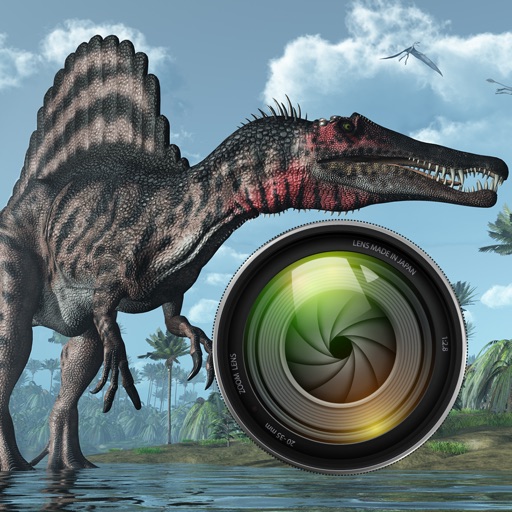
Add dinosaurs to photos with tap-to-place features. Choose from over 60 species including Tyrannosaurus, Pteranodon, and Stegosaurus. Adjust positioning and scale. Export edited images directly.
Edit photos with professional filters and effects. Adjust brightness, contrast, and saturation. Crop, trim, and add borders. Add text in Arabic or English with customizable fonts. Include stickers and emojis.
Create pictures with customizable borders, backgrounds, and filters. Apply preset designs to enhance images. Export and share edited profiles directly to social networks.
Edit photos with AI-powered background removal, colorization, and enhancement. Adjust brightness, contrast, and saturation. Crop, resize, and apply filters. Export in various formats and share directly.
Select and edit photos to add . Choose from various cap styles and position them on the head. Adjust cap fit and appearance. Save and share edited images.
Take photos with three quality levels: medium, low, and very low. Apply 18 filters. Capture square images. Adjust saved photo quality to reduce file size. Share directly from the .
Create glowing art with a variety of brushes and colors. Save artwork as photos. Share creations on Facebook and Twitter. Includes tutorials for learning art techniques.
Take selfies with filters and skin enhancement tools. Edit photos with cropping, adjustments, and options. Record HD videos and apply color filters. Share edited content directly.