Save date-and-time stamped copies of photos. Position date and time stamps by dragging them across the image. Add custom dates and times. Format dates and times with advanced options. Choose colors using an intuitive color picker.
by Sameh Salama★ 4.325 ratingsPhoto & VideoFreeData updated 2026-09-10
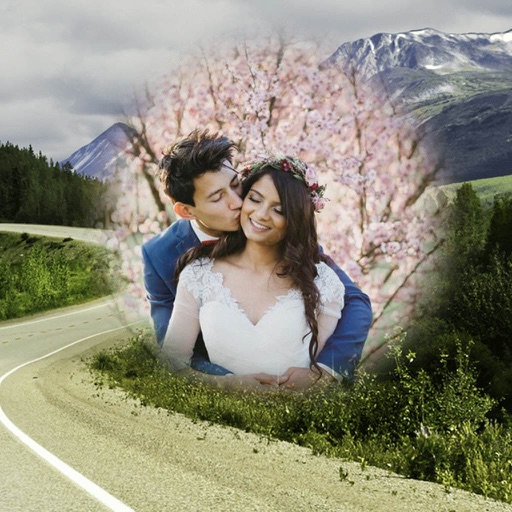
Decorate photos with customizable and effects. Choose images from the gallery or capture new ones. Adjust position, size, and angle. Save, share, or upload photos to social media platforms.
Decorate photos with customizable and effects. Choose images from the gallery or capture new ones. Adjust position, size, and angle. Save, share, or upload photos to social media platforms.
Decorate photos with customizable and effects. Choose images from the gallery or capture new ones. Adjust position, size, and angle. Save, share, or upload edited photos to social media platforms.
The app allows users to apply galaxy effects to photos, creating unique pictures quickly. Users can adjust the photo effect opacity and share their creations to social media platforms.
Edit photos by selecting from the gallery or capturing with the camera. Apply multiple and effects. Adjust position, size, and angle. Save, share, or upload images to social media platforms like Facebook, Twitter, or email.
Edit photos by selecting from the gallery or using the camera. Apply various frames and effects. Adjust position, size, and angle of images. Save, share, or upload photos to social networks like Facebook and Twitter.
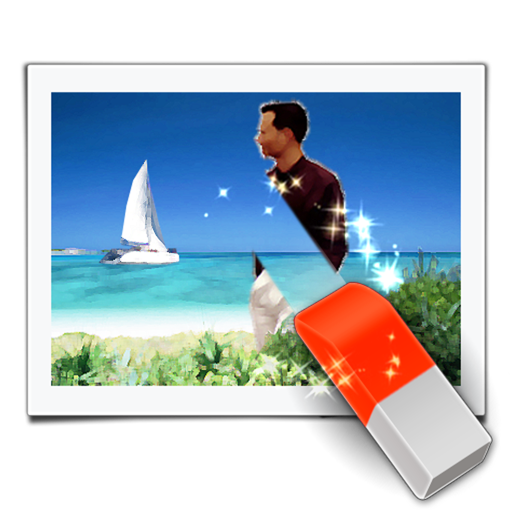
The app removes unwanted objects from photos, such as watermarks, text, or people. Users mark the unwanted area in red, and the app processes the image.
Edit photos by selecting from the gallery or using the camera. Apply multiple and effects. Adjust position, size, and angle. Save, share, or upload images to social networks like Facebook and Twitter.
Edit photos by selecting from the gallery or capturing new ones. Apply various and effects. Adjust position, size, and angle. Save edited images and share via social media, email, or messaging apps.
Edit photos by selecting from the gallery or capturing new ones. Apply various and effects. Adjust position, size, and angle. Save edited images and share via social media, email, or messaging apps.
The app transforms selected photos into creative collages. Users can arrange photos on a canvas, adjust layouts, and customize individual pictures by moving or zooming.
Edit photos by selecting from the gallery or capturing new ones. Apply multiple and effects. Adjust image position, size, and angle. Save, share, or upload to social media platforms like Facebook and Twitter.