Save date-and-time stamped copies of photos. Position date and time stamps by dragging them across the image. Add custom dates and times. Format dates and times with advanced options. Choose colors using an intuitive color picker.
by Sameh Salama★ 4.325 ratingsPhoto & VideoFreeData updated 2026-09-10
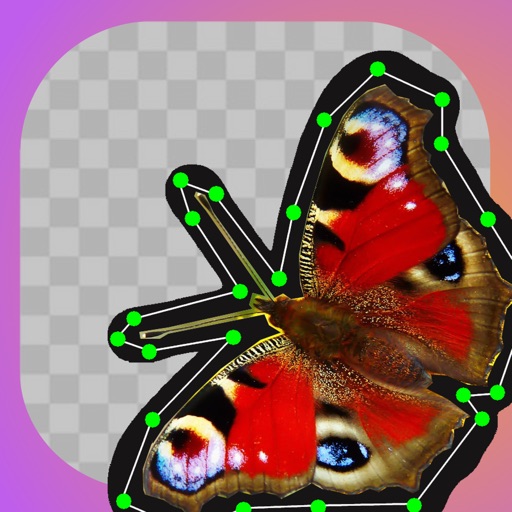
Create stickers by drawing lines to separate objects from photos. Store and share stickers via social media or messaging apps. Use stickers to design collages and combine with photos for creative images.
Manage photos by swiping to keep or delete them. Organize images by month and date. View photos from "On This Day" across years. Track deleted storage space in real-time. Free up space by removing unwanted photos and managing gallery efficiently.
Create square frames using images from your photo library. Add multiple images to a frame. Change . Rotate, resize, and reposition images. Preview the final image. Save the completed image to your photo library.
The app allows users to pixellate parts of photos to hide or obscure areas. It can also be used to create humorous and interesting visual effects from normal photos, encouraging creative use of imagination.
The app allows users to create collages on square backgrounds and add text. Users can choose backgrounds, add pictures, and modify text properties like font, size, color, transparency, and rotation.
The app allows users to add multiple text or image watermarks to photos. Users can adjust size, opacity, color, font, strokes, and shadows for each watermark.
The app allows users to capture photos with date and time stamps. It is useful for activities such as climbing, running, and cycling when a GPS logger is not needed.
Photos using gestures to organize and clean the camera roll. Remove unwanted images to free storage space. Sort and manage photos efficiently with intuitive navigation.
AI-powered placement allows users to embed objects in photos. Customize fonts, sizes, and colors. Adjust position and depth for professional-looking depth effects. Export edited images directly.