Save date-and-time stamped copies of photos. Position date and time stamps by dragging them across the image. Add custom dates and times. Format dates and times with advanced options. Choose colors using an intuitive color picker.
by Sameh Salama★ 4.325 ratingsPhoto & VideoFreeData updated 2026-09-10
Capture photos and videos with GPS location and timestamp stamps. Adjust exposure, focus, and white balance. Edit images with cropping and filters. Share media directly with location data embedded.
Track history with automatic photo-based trip detection. View locations on an interactive 3D globe. Edit and organize trips with drag-and-drop features. Share trip details with contacts. Set reminders for future destinations.
Create custom images by adding photos as backgrounds. Touch to draw dots and customize designs. Save creations and share via social media or messaging.
Image files to jpg or png formats. View file name, extension, resolution, and creation date. Supports conversion of heic files from iPhones to jpg or png.
Edit photos to full size on Instagram . Stretch edge pixels to fill gaps. Choose from blur, mosaic, color, and pattern backgrounds. Take photos directly or import from gallery.
Apply to photos. Select from gallery or take new photos. Choose to enhance images. Generate framed photos for sharing. Use as decorative or to express love.
Take photos for roadworthy tests with automatic date, time, tester number, and certificate number inclusion. Upload images wirelessly to a computer. Requires Server for functionality.
Edit photos with selective effects using gesture controls. Zoom and pan to adjust splash areas. Convert parts of the image to grayscale while keeping selected regions in full . Export edited photos directly.
Automatically organize baby photos by date and event. Upload videos and images for secure, private storage. Share selected moments with members. Track milestones and create albums for easy access and preservation.
Edit photos with filters, effects, and text tools. Add stickers, shapes, and draw over images. Adjust colors, lighting, and focus. Crop, resize, and enhance details. Apply tone curves and retouch features. Export and share edited photos.
Edit photos with brightness, saturation, and contrast adjustments. Add text, stickers, and memes. Crop, rotate, and straighten images. Apply effects and frames. Sharpen or blur photos. Import images from the camera roll. Fix red tones.
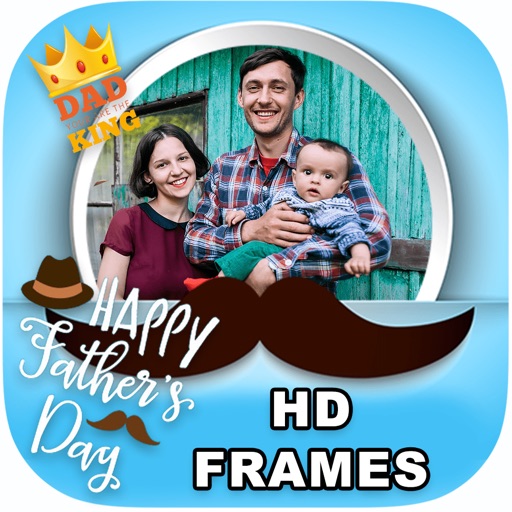
Edit photos by adding borders, special effects, and text. Choose from over 200 HD . Select images from gallery or camera. Save and share customized Day photos with friends and family.
Edit photos with 3D and color effects to create立体 art. Apply special effects to enhance images. Save and share edited photos directly. Use fun and intuitive editing tools for creative customization.