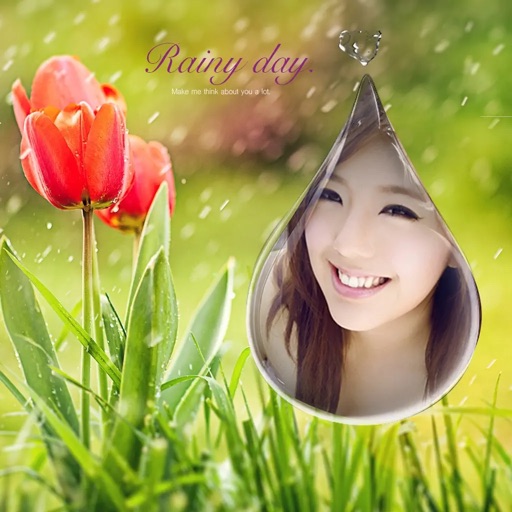
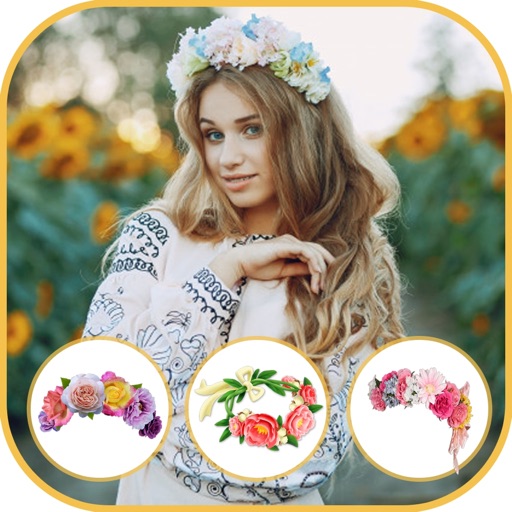
Edit photos with diamond frame effects and star-like enhancements. Add creative effects to enhance images. Save and share edited photos directly. Apply various frame styles to personalize pictures.
Apply effects to photos with multiple classic color options and adjustable beauty filters. Add grain intensity and choose from various photo borders. Import photos from the album to apply effects and use photo frames. Supports Live Photos.
The app offers a variety of photo effects, including filters, 3D, and frames. Users can access 208 effects for free, with over 1300 additional effects available through in-app purchases.
Create collages with 64 layouts and custom difference templates. Add photo frames, stickers, captions, and text with font options. Edit backgrounds and export finished collages.
Edit photos and videos with advanced auto enhance tools, double exposure, and 425 special light effects. Apply filters, add stickers, typography, and vignettes.
Edit photos adjustable temperature, tint, and exposure settings. Use texture blending tools and apply effects. Add stickers opacity and shadow control, and include text 3D effects and multiple fonts. Crop, rotate, and straighten images.
Edit photos by selecting from Camera Roll or taking new shots. Apply real-time effects to create prism-like glass pieces. Adjust frames, shapes, and patterns. Rotate, resize, and drag elements for custom designs. Export and share edited images.
Create holiday collages with customizable layouts, -themed grids, and backgrounds featuring Santa, gifts, and snowmen. Add text messages, select photos, and design e-cards with festive frames and decorations. Export and share finished collages.
The app allows users to combine photos into frames, add stickers, and apply effects. Users can resize, move, and rotate photos to fit frames before sharing them via social media or email.
Edit photos by adding holiday with adjustable size, color, spacing, and placement. Apply holiday-themed frames and text overlays. Animate with two timers. Share 10-second videos, animated GIFs, or single-frame photos.
Apply photo filters to create horror-themed images. Edit photos with cropping, adjustments, and effects. Add text and stickers for a creepy atmosphere. Export and share edited photos in various formats.
Edit photos by adding -themed like trees, presents, and Santa Claus. Select images from the gallery or capture new photos with the camera. Apply HD quality to enhance holiday pictures. Share edited photos directly.
Create collages by combining multiple photos into layouts. Choose from 50+ grid styles and tree or 3D modes. Edit photos with cropping, filters, and text addition. Share finished collages directly.
Create frames and cards with personal photos. Add names, stickers, and select from various frames. Share finished designs directly. Edit photos with frame options and customization tools.
The app provides layouts, backgrounds, and frames for designing photo collages. Users can select templates, upload photos, and adjust them with effects, resizing, or rotation.
Edit photos by selecting from a gallery or taking new ones. Choose from various -themed to enhance images. Save and share edited photos directly. Create postcards by combining photos with . Adjust and export final edits in different formats.
Edit videos with Smart Cuts to highlight key moments. Adjust length with Auto Length. Apply Original Themes with layout, music, and filters. Use Creative Layouts to design eye-catching grids. Export videos in multiple formats.