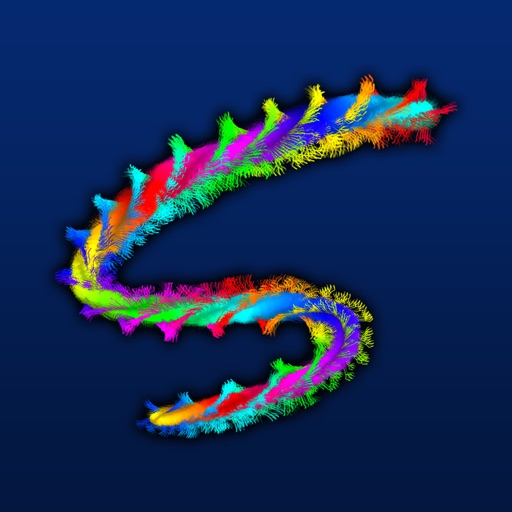
Create 3D structures by applying to draw circles that expand with force. Use 3D Touch to generate random color profiles and explore sensitivity. View dynamic color changes and interactive drawing effects.
by Ben Slaney★ 4.820 ratingsEntertainmentFreeData updated 2026-09-10
Create immersive soundscapes by adjusting Size and Overdrive for rich reverb and distortion. Morph between soft-clipping and hard-ripping overdrive. Use Wobble for eerie effects and Ribbon for precise control.
Conversational AI allows users to engage in natural language conversations. Contextual understanding enables personalized responses based on prior interactions. Powerful drawing lets users create and edit images within the .
Draw on touchscreens using finger or stylus. Change line color with buttons and adjust line width with a slider. Save and organize notes into folders. Access advanced features with an auto-renewing subscription.
Generate AI-powered art in various styles with real-time creation. Adjust parameters to customize visuals. Share artwork directly. Explore different artistic effects and refine details through intuitive controls.
The app reproduces a tapered mirror system kaleidoscope. It draws chromatic aberration of light for realistic images and applies real-time color filters.
Create personalized picture books with AI-generated stories, illustrations, and voice narration. Choose random or customized stories. Filter content for safety and age appropriateness. Share stories with children for interactive reading.
Detects cameras using electromagnetic field analysis. Scans networks to identify connected devices. Alerts users to potential security risks. Allows manual device disconnection from the network.
The app presents a grid of colored circles, challenging users to find the one that differs. As rounds progress, color differences become more subtle, testing visual acuity with over 16 million possible colors and multiple layouts.
Color pictures with realistic painting tools and save work. Draw on blank pages with easy zoom features. Watch video replays of funny drawings. Access a variety of pages for creative expression.
Draw on a customizable whiteboard with 60 background and brush color options. Select from 4 brush sizes. Save or share drawings. Use random mode to change brush size or color automatically. Access 20 levels of undo.
Solve puzzles by dragging and snapping blocks into place to reveal detailed illustrations. Complete scenes like a living room or beach escape. Track progress through levels and enjoy calming, satisfying gameplay.
Color pictures with a wide range of colors and tools. Draw on blank pages using realistic painting features. Access a variety of pre-designed images for . Zoom in and out easily. Watch video replays of drawing sessions.
The app offers a universal painting experience for all ages with 140 unique brushes and special drawing modes. Users can create artwork in seconds using a variety of colors and effects, with options for saving and exporting creations.
A bill splitter calculator with minimalist design and single-screen interface. Adjust , tips, and payers with one touch. Automatically rounds amounts and displays percentage changes. Offers dark mode for reduced eye strain.
Draw line puzzles to fill glasses with . Create custom solutions for each level. Challenge friends and compare solutions. Use pencil tools to sketch paths. Track progress and unlock new levels. Share achievements and feedback with developers.
Colored in tubes by pouring between connected tubes of the same color. Complete levels by matching colors in each tube. Tap to pour , restart levels at any time. Track progress through multiple levels.