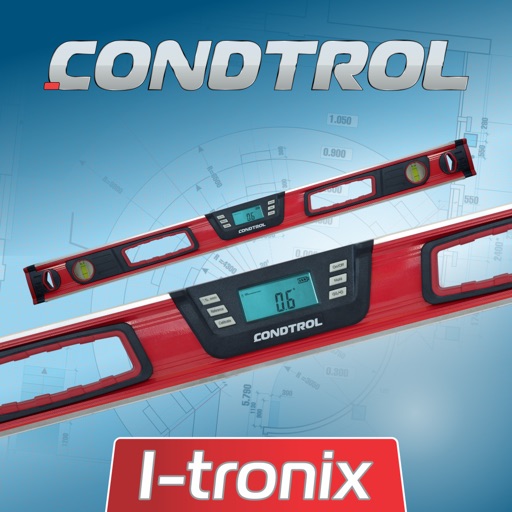
Measure angles with horizontal, vertical, and dual-axis guides. Use bubble and circle levels for precise alignment. Set custom zero points for relative measurements. Lock readings for easy recording. Display real-time degrees and visual indicators.
Measure pitch and roll angles using a bubble level. Display time, date, and compass for reference. Save angle measurements with screen capture. Alternative bubble reading method for accurate readings. Simple and intuitive interface for quick use.
Monitor home security with real-time video streaming and two-way audio communication. Rotate camera 360° for full coverage. Send alerts to family members and adjust camera angle for privacy.
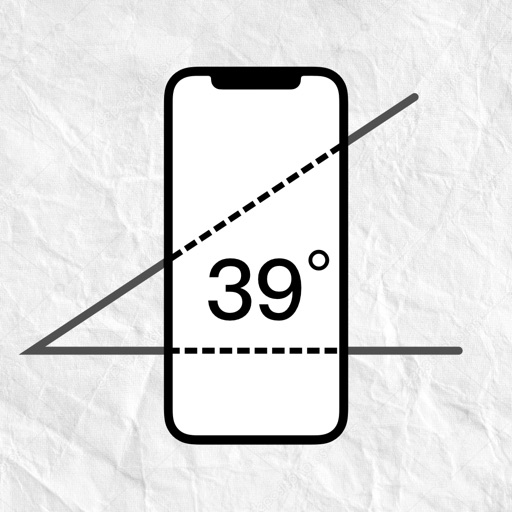
Measure device angle with a . Tilt the device to see current angle. Reset and lock the angle manually. Switch between portrait, landscape, and surface modes.
The app offers tools for home decoration, picture alignment, and angle measurement. It can also be used for slope projection and checking the verticality of partitions or furniture.
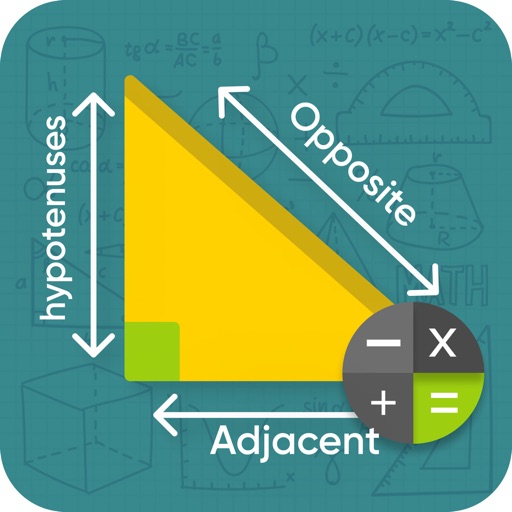
Solve triangles with two modes. Regular triangle mode allows input of 2 sides and an angle, 2 angles and a side, or 3 sides. Right triangle mode accepts 2 sides or a side and an angle. Calculates missing values based on input.
Measure angles by placing the device on the desired surface and adjusting two lines to align with the angle's sides. Display degrees in real time without needing photos or overhead placement.
Displays current speed, longitudinal and transverse slope, and ascent/descent percentages. Switch between normal and HUD modes for windscreen reflection. Verify vehicle speed during cycling, running, flying, or sailing.
Measure angles on photos or in real time using the camera. Adjust and compare multiple angles simultaneously. Scale, move, and change color of measurement tools for accurate readings. Save and review measurements permanently.
Provides a 3D floating with realistic OpenGL graphics. Users can switch between nine modes, including direct read, traditional, and rosette styles. It displays degrees, quads, or mils.
The app measures angles and slopes using the device's camera. It offers two modes for measurement and allows users to capture screenshots of their measurements for later review.
Measure angles, level surfaces, and track progress
Measure angles and slopes with the protractor tool. Use the level function to check horizontal, vertical, and 45° angles. Measure height, length, and width with the caliper tool.
– uses AR to display a digital protractor and on the device screen. Users can precisely, calibrate the , and save measurements. The supports both indoor and outdoor use for accurate readings.
The app measures angles and inclinations for various applications. It can be used for home decoration, car inclination checks, and measuring slopes of roofs, stairs, floors, or roads.
Convert units across 16 categories with instant results. Switch between metric, imperial, and other systems. Calculate conversions for length, weight, temperature, and more. Store frequently used values for quick access.
Turn your iPhone into a , angle gauge, and measuring . Check if surfaces are or plumb. Get real-time tilt readings in degrees. Calibrate to align with objects. distances using the device's sensors.