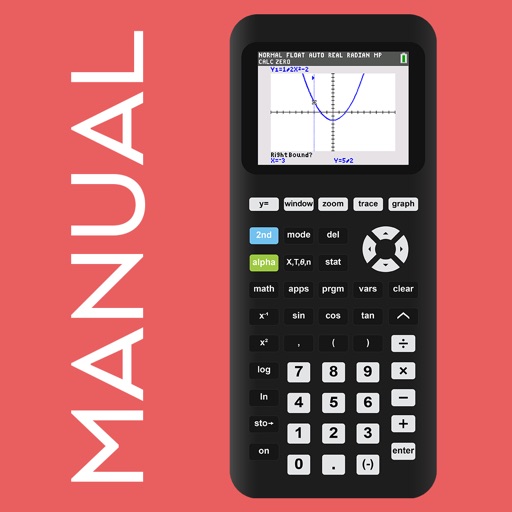
Scientific calculator allows complex equation solving, graphing in portrait and landscape modes, and polynomial root finding up to 10th degree. Adjust font sizes and graph line widths. Solve systems of equations and matrices.
by William Jockusch★ 4.734 ratingsEducationFreeData updated 2026-09-06
Perform complex calculations with scientific, graphing, and programmer modes. View graphs and equations. Use the Today widget for quick access. Unlock advanced features with in- purchases. Reinstall to reset trial periods.
Calculate payments and generate repayment schedules. Share schedules via email. Add extra payments to reduce payoff time. Graph repayment timelines. Track total interest paid. Save multiple loans for quick access.
Perform basic and advanced calculations including addition, subtraction, multiplication, division, and exponents. Convert units between degrees, radians, and grads. Switch between standard and scientific modes.
MyCalc offers basic and scientific calculation functions. Users can switch between portrait and landscape modes. It supports currency and unit conversions. Results, equations, and conversions can be copied, shared, or saved.
Take a photo of a problem to get step-by-step solutions. View AI-animated videos to understand concepts. Solve equations, simplify expressions, and check homework. Access instant explanations and interactive examples.
A a log of all calculations. Displays input equations and results clearly. Includes backspace function. Allows adjustable keyboard size and number font size. Supports customization of decimal places, font size for , and display format.
Track items with manual entry and editing. Monitor count changes over time using a graph. Export data as CSV for external reporting. Filter time series data on the graph.
Solve problems with step-by-step solutions. Input equations for automatic solving and animated explanations. Access over 1,000 sample problems. Use scientific and graphing calculators. Track progress and review detailed solutions.
Solve math problems step by step with detailed explanations. Access subject-specific tutorials for calculus, physics, and chemistry. Track progress with personalized plans. Receive instant feedback on quizzes and assignments.
Plus allows users to perform basic math operations including addition, subtraction, division, multiplication, squaring, and square root. It features large buttons, clear numerals, and horizontal mode for additional controls.
Perform calculations with a freeform canvas and responsive results. Link numbers for instant updates. Calculate tips and discounts. View full history with clear formatting. Adjust settings for precision and layout.
Perform complex number calculations and trigonometric functions. Handle matrix operations and numerical root finding. Calculate integrals and statistical values including linear regression. Write and execute custom programs. No ads or in- purchases.