Scientific calculator allows complex equation solving, graphing in portrait and landscape modes, and polynomial root finding up to 10th degree. Adjust font sizes and graph line widths. Solve systems of equations and matrices.
by William Jockusch★ 4.734 ratingsEducationFreeData updated 2026-09-10
Calculate with trigonometric and exponential functions
Store values by pressing "STO" and selecting a memory slot. Perform basic arithmetic and advanced mathematical functions including sine, cosine, logarithm, and exponential.
Solve equations with addition, subtraction, multiplication, and division. View step-by-step working to understand solutions. Handle mixed and partial fractions. Convert between decimals and fractions. Find factors of numbers or common factors.
Solve equations and expand expressions. Find derivatives and integrals. Work with undefined variables. Identify roots, minima, and maxima. Create tables of values. Perform regression analysis. Access free learning activities.
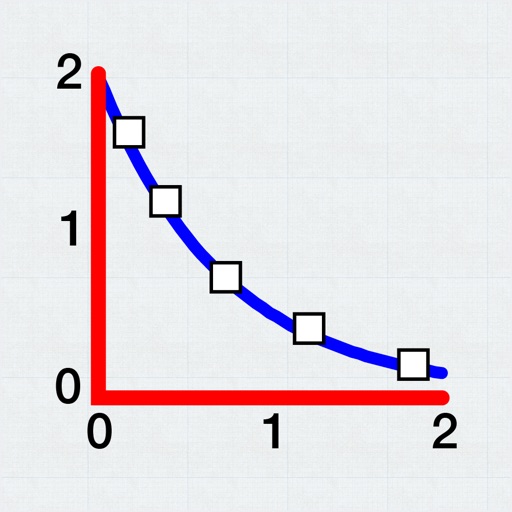
Allows users to plot and fit x, y data pairs. It supports curve fitting, value prediction, and kinetic data analysis. Data can be entered manually or imported from text or CSV files. Users can perform statistical analysis and generate graphs.
Learn math concepts including algebra, calculus, trigonometry, and probability. Solve problems with an AI-powered solver that provides step-by-step explanations. Take interactive quizzes to test and reinforce knowledge.
Solve problems by typing or scanning with the camera. Receive step-by-step explanations for algebra, calculus, and graphing. Access detailed solutions for complex concepts.
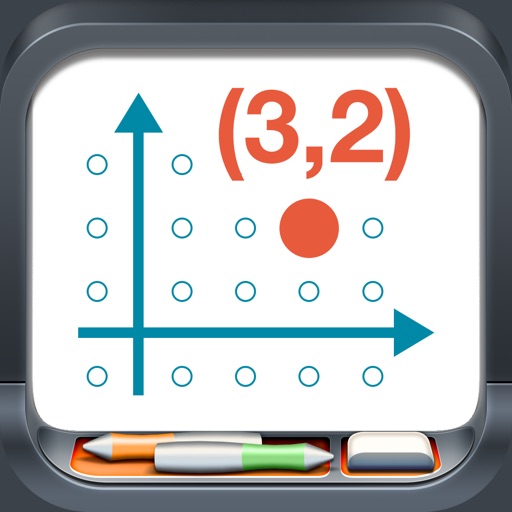
Model points and lines on a plane with colored elements and pair labels. Use a 19x15 grid or dot/square grid. Display tables of values and sliding axes. Graph ordered pairs, distance, and transformations. Plot ratios, rates, and linear equations.
Explore concepts through interactive topics covering limits, derivatives, and integrals. Graph functions, compute derivatives numerically, and visualize solutions. Test hypotheses and verify computations with graphical representations.
Access formulas for Physics, Chemistry, and Maths including Algebra, Analytical geometry, and Differential equations. Search and locate formulas quickly. Sync across iOS devices with device-specific UI. Update content regularly with new formulas.
Calculator++ displays expressions in real-time and maintains a calculation history. It supports fraction operations, unit conversions, and advanced functions. Users can graph equations and perform complex calculations.
Solve problems by scanning or typing equations. Get step-by-step explanations for algebra, geometry, and chemistry. Edit and rescan handwritten work for accurate results.
Offers seven-in-one functions including basic, scientific, and unit conversion tools for currency, distance, weight, time, and data. Switch between modes by rotating the device. View operation history on the screen. Use degree or radian settings.