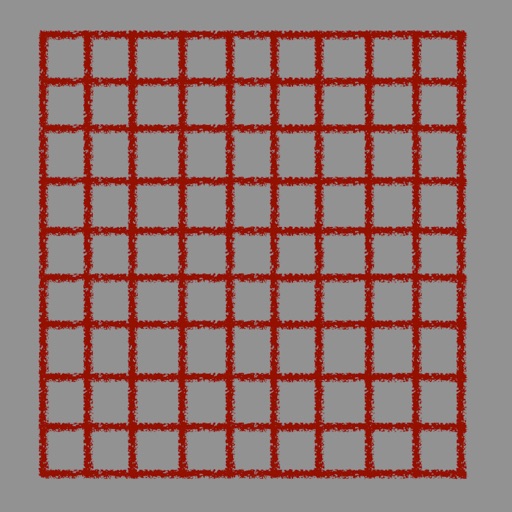
Plan tile layouts by inputting dimensions and selecting tile sizes. Drag and rearrange tiles to optimize placement. View dimensions of cut tiles and calculate total and cut tile counts. Export layout for reference.
by Vitalij Schaefer★ 4.5414 ratingsUtilitiesFreeData updated 2026-09-10
Calculates LED screen specifications based on manufacturer, model, and size units. It provides pixel count, dimensions, weight, and power consumption. Generates printable reports and pixel grid layouts for content mapping.
Scan documents and images for precise digital copies. Measure heights and object dimensions using phone camera. Automatically count items like pipes, logs, and pills. Save and share scanned files directly.
Calculate , base material, and sealcoat quantities for paving projects. Input dimensions in various units and receive results in tons, cubic yards, or cubic meters. Estimate material costs based on input measurements.
Calculate requirements for concrete slabs by entering dimensions, spacing, and edge distances. Determine layout and quantities needed. Switch between imperial and metric units. Export results via text or email.
Optimize material usage with four layout options. Calculate efficient patterns for sheets. Import designs and adjust parameters. Export for production. Support multiple material types and panel sizes.
Create 3D layouts with precise measurements. Measure distances and surface areas using augmented reality. Export scans as PDF or other file formats for easy sharing and reference.
Monitor and manage NAS server tasks and system status. View uptime, system health, firmware version, CPU, RAM, and disk usage. Control and track DS tasks from an iOS device.
Track attendance for classes by adding student details including name, phone number, and class count. Edit or delete entries by swiping left. Initiate calls via a call button. Record class dates and set daily reminders for input.
Organize thoughts by writing goals, categories, and tasks in a visual layout. Create 72 entries of 8x9 notes. Categorize tasks, set priorities, and track progress through structured planning. Share notes with team members for collaboration.
A brain teaser game for children. Tap in sequence after they appear. increase by one each round. Starts with four , with new levels adding 1 to 5 . Tracks progress through rounds.
Control and monitor connected devices such as free@home system, Busch-Watchdog, and Flex Tronic WL. Accept door calls from Welcome intercom systems. Adjust settings and commission devices. View device status and receive notifications.
The app allows users to design closets by inserting cabinets, clothes, and accessories. Users can select materials and finishes, then save or email designs in various formats.