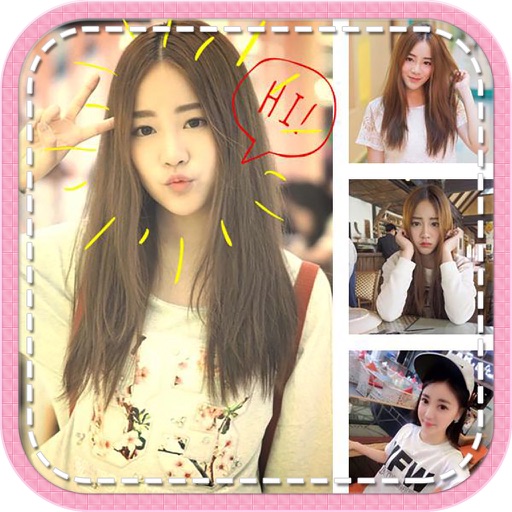
The app offers professional editing tools, beauty enhancements, and special effects. Users can apply stickers, create classic collages, and design fashionable posters with InstaMag.
The app allows users to create collages on square backgrounds and add text. Users can choose backgrounds, add pictures, and modify text properties like font, size, color, transparency, and rotation.
Create photo collages using 20,000+ layouts and frames. Combine up to 16 photos in customizable grids or freestyle arrangements. Add text with 1,000+ font styles. Edit layouts, adjust frames, and export collages.
Create collages by combining pictures, videos, or a mix of both. Choose between sequential or delayed video playback. Use built-in layouts or design custom ones. Select from 1:1, 9:16, 3:4 ratios or set custom proportions.
Create collages by adding photos, text, and stickers to pre-designed templates. Customize layouts, adjust colors, and apply filters. Share finished collages via social media or messaging apps.
Add cute and funny labels to photos of children. Edit images with customizable borders and stickers. Organize photos into albums and share edited content directly.
Take selfies with pip effects and apply filters like sepia and vintage. Create collages and edit photos with various effects and frames. Select images or capture new ones and enhance them with pip features. Share edited photos directly.
Edit photos with filters, light leaks, stickers, and fonts. Adjust brightness, contrast, and saturation. Add text and effects. Share edited photos directly to social media. Organize and manage photo collections. Export in various formats.
Create collages by arranging photos, stickers, and text. Use dozens of templates and customize layouts. Add text with cool fonts and apply filters. Export and share finished collages.
Create photo collages and video slideshows with customizable layouts, colors, and patterns. Add text, filters, and music. Edit photos with object removal, skin softening, and blur effects. Include stickers, outlines, and background adjustments.