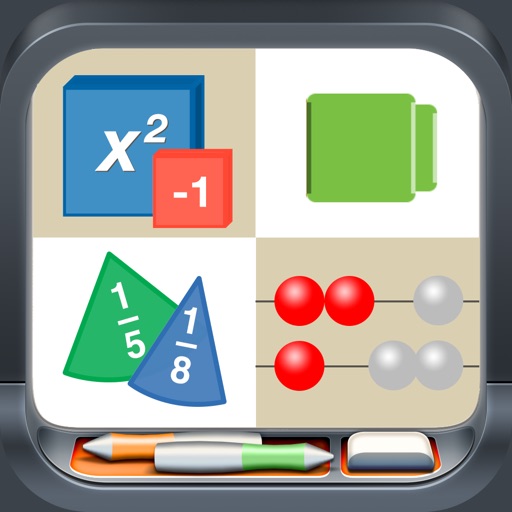
Create and manipulate two- and integer chips to model math operations. Use tens frames, grouping circles, and part-part-whole mats for visual learning. Flip, copy, and group pieces for hands-on practice. Display counts and totals.
by Brainingcamp, LLC★ 4.778 ratingsEducation$1.99Data updated 2026-09-06
Solve problems by snapping photos and receiving instant answers with detailed explanations. Access a history log to review past problems. Get step-by-step solutions for algebra and other topics.
Memorize of pi using color and musical notes for enhanced recall. View numbers in chunks with customizable pages and lines. Compete on leaderboards and earn achievements. Practice daily for improved retention.
A calculator with large buttons and a big display. Perform addition, subtraction, multiplication, and division. Features a Retina display for clear viewing.
Use like Algebra Tiles, Base Ten Blocks, and Fraction Circles to teach math concepts. Explore tools such as Geoboard, Number Line, and XY Coordinate Board for interactive learning. View and manipulate shapes with Pattern Blocks and Color Tiles.
The app offers practice with addition, subtraction, multiplication, and division. It includes integers and allows users to select operator combinations, problem levels, and the number of problems.
Solve problems by snapping a photo. Receive instant step-by-step solutions. Access explanations for complex equations. Track progress and review solved problems. Share solutions with classmates. No ads or in- purchases.
The app offers over 1400 math questions with solutions and 140 revision notes covering algebra, geometry, data analysis, and number operations. It provides instant feedback, detailed explanations, and progress tracking to prepare users for the SAT.