Create digital art by drawing, sketching, or painting with customizable colors and brush settings. Import photos to edit or draw over them. Add text with various fonts and editing options.
Create symmetrical drawings using the mirror tool. Choose from various markers and tools. freely with finger or stylus. Save and share artwork. Adjust canvas size and color options.
Create digital art with drawing and painting tools. Use a wide range of brushes and customize settings for precise control. Add motion with animation tools and motion paths. Utilize symmetry guides for balanced designs.
Create digital illustrations with painting, coloring, and drawing tools. Use multiple layers, customize brushes, and mix colors for precise control. Apply textures and save or share artwork directly.
Animated movies using frame-by-frame . Import and edit vector graphics. Access tutorials for learning techniques. Export animations in various formats. Collaborate with others through community features. Adjust timing and add sound effects.
Edit photos with filters, cropping, and AI enhancements. Adjust colors and brightness. Add text, stickers, and overlays. Create collages and cards. Edit videos with trimming, transitions, and effects. logos, flyers, and social media content.
Create and customize digital coloring pages with a variety of bright colors. on pages to practice motor skills and creativity. Save and share completed artwork. Includes multiple pre-designed coloring templates.
Edit photos with enhancement tools, effects, and color splash. Add stickers, frames, and overlays. Create collages and custom drawings. Crop, rotate, flip, and straighten images. Adjust brightness, contrast, and saturation.
Create drawings and sketches on customizable canvas backgrounds. Record sessions as videos. Share creations with friends. Choose from preset color palettes for different coloring styles.
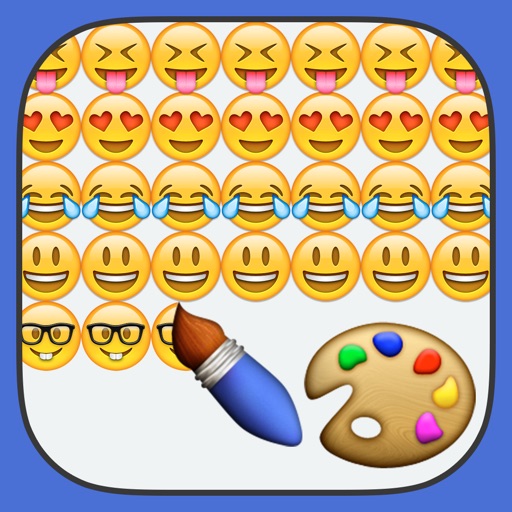
Create paintings using emojis. Select from over 1600 emojis. Adjust size and other settings. Zoom in and out for precision. Works on iPhone, iPod Touch, and iPad.
Digital sketches and collages with intuitive gesture-based tools. Add and arrange multiple photos on a single page. Cut, paste, move, and rearrange elements easily. Save and share creative projects directly.
, paint, and doodle on a digital whiteboard. Share artwork with friends. Use stickers, brushes, and shapes to enhance creations. Add text and export drawings in multiple formats.
Create digital art with 105 tools including pens, pencils, and brushes. Import and edit photos. Add text and rotate elements. Customize brush settings. Use customizable canvases. Save and share artwork.
Create and refine artwork with customizable brushes and layers. Sketch, paint, and draw with pressure-sensitive tools. Save and organize projects. Export in various formats. Collaborate in real-time with others.
Can and color with tools like pencils, brushes, and crayons. They can create paintings of animals, fruits, and vehicles. Includes pages for princesses and toddlers. Features a drawing book and creative doodling options.
Can draw and paint using AR features that bring creations to life. They can trace images to improve motor skills. The offers a variety of colors and brushes for artistic expression. Users can save and share their artwork.