Create and customize tracks using a grid-based editor with pixel-art style. Design mazes with corridors, walls, teleports, and breakable barriers. Set up challenges and physics-driven competitions.
Create animations using 3D blocks in a 20x20 grid. Design up to 6 frames for short loops. Save and share animations. Practice character design for Minecraft skins or create retro game sprites.
Create light-based drawings using finger gestures on the screen. Share creations with friends and family via social media or messaging. Save finished designs as photos in the device's gallery.
Apply photo filters to create horror-themed images. Edit photos with cropping, adjustments, and effects. Add text and stickers for a creepy atmosphere. Export and share edited photos in various formats.
Manage and organize creative projects in one place. Import and export files. Edit art with high zoom, animation tools, and color palette customization. Create and animate sprites for retro-style games.
Create and edit drawing tools and photo additions. Paint on images finger input. Move, rotate, and scale added . Save and share creations via social media apps. Offers a simple interface for note-taking and visual projects.
Children can create drawings using a variety of brushes, including fluorescent and graffiti styles. They can paint freely with colorful tools. The provides a creative environment for learning to draw and explore artistic expression.
Convert raster images to editable drawings with custom filters for various styles including grayscale, two-tone, Pop-Art, and polygonal shapes. Edit vectors with advanced tools, adjust colors, and save or share the results.
Create image compositions with layers, shapes, and text. Edit photos with touch-up tools and painting features. Add filters and adjustments. Export in various formats and share directly.
Write on PDFs, create notebooks with customizable templates, sketch notes on a large freeform canvas, and take notes on vertically extended pages. Organize content across different document types and layouts.
Create art with 10 brushes. Adjust brush size and color randomly. Import photos to doodle on. Add drawings to family images for customization. Save and share completed artwork.
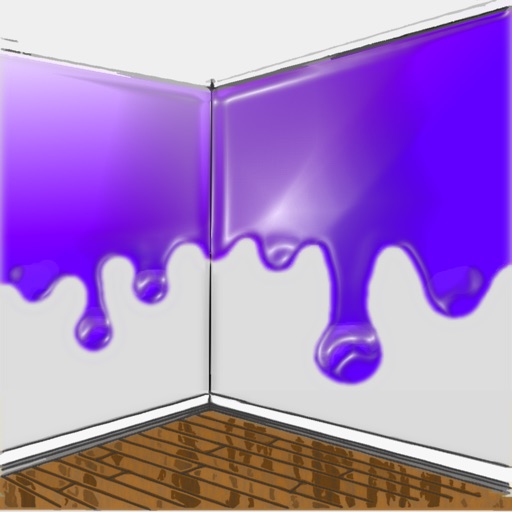
The app allows users to visualize new paint colors on their walls before painting. Users can try colors from a palette or sample real-world colors and apply them to photos of their home.
Create art by selecting colors from a palette and applying them to numbered cells. Swipe over cells with the same number to color faster. Use Color Splash to fill surrounding areas and Magic Wand to color adjacent cells of the same number.