Drawing techniques through step-by-step lessons. Create and customize sketches with various tools. Access coloring features and save artwork. Share drawings directly from the . Track progress and revisit previous lessons.
Use augmented reality to trace photos or line drawings. Adjust brush settings for precision. Annotate and refine sketches digitally. Export final artwork in various formats. Share drawings via social media or email.
Sketch and draw using the ® with step-by-step guidance. Learn to write with interactive lessons for all skill levels. Export drawings and access tutorial videos for practice.
Teach toddlers to color with guided sketch templates. Choose from various themed images. Use drawing tools to fill in colors. Save and share completed artwork. Includes interactive elements for engagement.
Draw with a pen or apply colorful stamps. Tap to change background colors between white and black. Save drawings, erase, or retry. Play sounds when using stamps or drawing lines.
Allows users to draw grids over images for precise copying, scaling, and tracing. Features include adjustable sizes, reference image overlay, and zoom capabilities. Users can export drawings and share files directly.
Turn iPad into a for real-time annotations. Project PDFs and images to a computer via local network. Annotate live during presentations. No subscriptions or additional software required. Share annotated content directly from the browser.
Practice multiplication with five interactive games. Complete quizzes with a bear and balloons. Use flash cards for memorization. Track progress through levels. Compete in timed challenges. Share scores with .
Turn iPad into a wireless whiteboard. Annotate PDFs and images live by projecting them to a computer on the same network. Draw, write, and highlight in real time using the iPad's screen. Share annotations directly from the web browser.
Draw on a using colored chalks with adjustable brush size. Enable chalk brush texture for realistic feel. Create unlimited blackboards with three background styles. Share drawings via email.
View class schedules, check grades, and access campus news updates. See the school year calendar and remaining class time in minutes. Receive real-time schedule changes and news notifications.
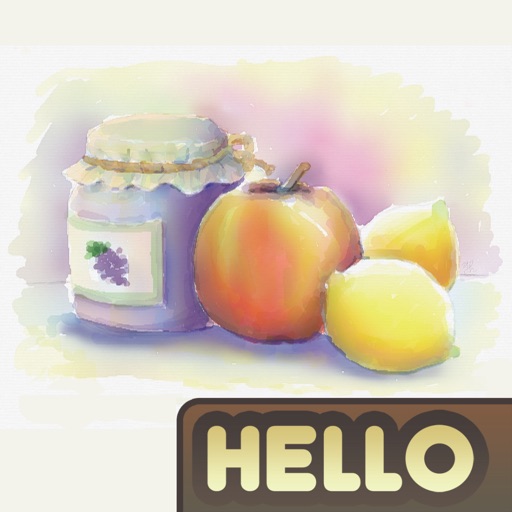
The app simulates watercolor blending and spreading behaviors using fluid simulation technology. It supports techniques like wet-in-wet, wet-in-dry, dry brush, and dry on wet, along with pencil sketching.
Learn math and coding through interactive games for children aged 2-11. Create and customize up to six profiles based on grade levels. Access auto-renewable subscription passes for monthly, quarterly, bi-annual, or annual payments.
Create art using realistic and watercolor effects. Draw with tools like marker, airbrush, crayon, and eraser. Apply fluid-based watercolor effects in the full version. Adjust colors and blend textures for detailed illustrations.
Documents, whiteboards, business cards, and receipts with high clarity. Auto-detect edges and correct perspective. Remove shadows and sharpen text in color or black and white. Adjust brightness. Draw lines, text, fill forms, and create collages.