Capture and edit high-resolution photos with manual exposure controls and RAW support. Adjust white balance, focus, and color grading. Import and organize images in folders. Export photos in various formats and share via social media or email.
Apply HDR to photos to enhance light and detail ranges. Adjust exposure, contrast, and color balance. Export edited images in high quality. Share directly to social media or messaging apps.
Send photos and videos to a Wi-Fi Cloud Frame for display. Add captions and comments to photos. Share up to 15 seconds of video. Invite friends to contribute content. Control the frame remotely via the .
Create collages by combining photos, adding stickers, and applying effects. Choose from multiple layouts and templates. Edit images with cropping and filters. Share finished collages directly to social media.
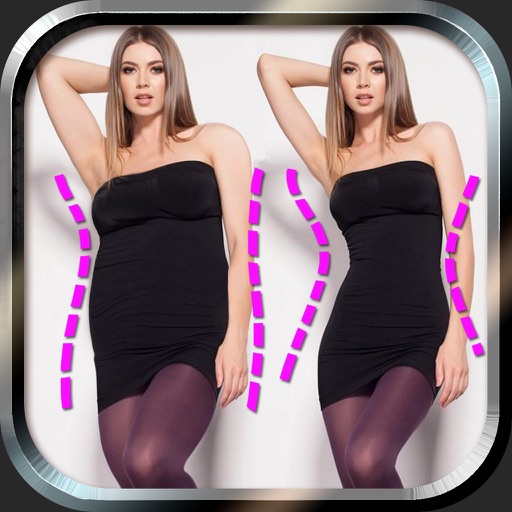
Edit photos to and body using auto-detection. Adjust and body thickness with sliders. manual edits and undo changes. Compare original and edited images. Save results to albums and share via email or social media.
Add visible or invisible watermarks to photos and videos. Customize with logos, text, metadata, QR codes, borders, vectors, or signatures. Apply single or multiple watermarks at once. Batch process images for efficient watermarking.
Create photo layouts and GIFs for events. Guests can take photos, add effects, and share directly. Includes intuitive interface and continuous operation for long events.
Edit photos with reshape tools to adjust proportions and add muscle definition. Enhance facial features with retouch options. Apply filters and effects. Save and share edited images directly.
Beijing Lingguang Zaixian Information Technology Limited
Edit videos, photos, and GIFs
Edit videos with batch importing and splitting features. Add free fonts for titles and subtitles. Include exclusive music from top producers. Create GIFs and still photos. Share edited content directly.
Create and edit celestial and landscape photos with advanced tools. Capture and adjust exposure, color, and composition. Add overlays and effects. Share edited images directly from the .
Edit videos and photos with background addition for portrait or landscape formats. Apply blur effects without cropping. Share edited content via a new sharing screen. Access media across devices from a centralized library.
Switch faces in real-time using a friend's photo or a celebrity image. Record videos or photos with swaps from your camera feed. Share the result directly from the .
Create eBook and Wattpad covers using templates and free images. Add text, adjust colors, and customize layouts. Export covers in various formats and share directly.
Capture 360° photos and videos using a compatible camera. View and playback spherical media on a smartphone. Share images and videos via social media or email. Edit and adjust settings for recorded content.
Turns photos and videos into hand-drawn animations with 26 pre-set styles. Import media from the Photos or use Live Photos. Preview animations in real-time. No in- purchases.